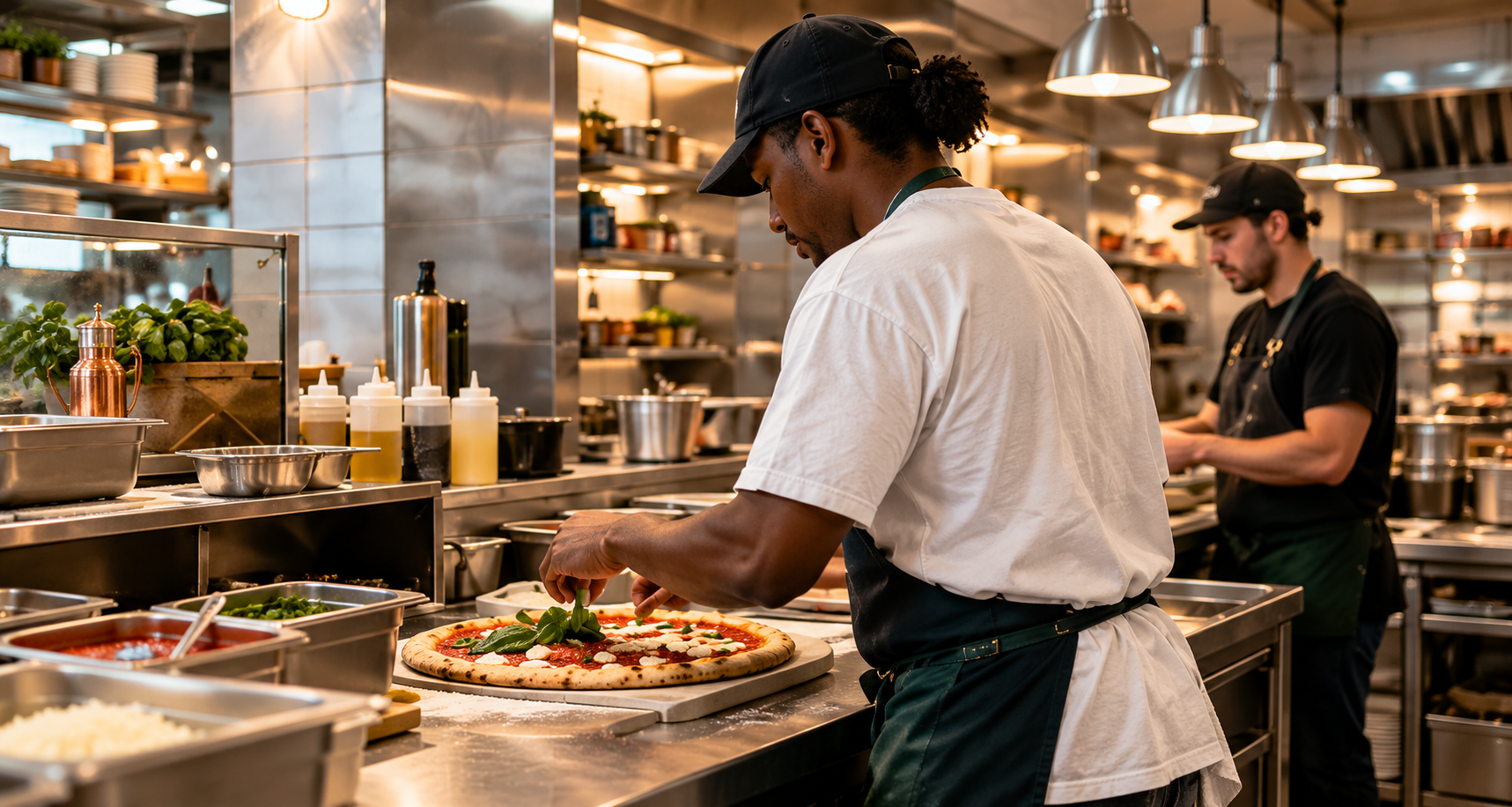
You don't have to do it alone. Get expert guidance for your restaurant.
RESTAURANT LAUNCH OS

Open with a plan.
Operate with a system.
Build your new restaurant-or strengthen the one you own-with a developed business model, a clear roadmap, and practical tools you can customize.

THE MODEL

A developed restaurant business

THE ROADMAP

30 connected steps

THE TOOLS

Plans and resources to make your own

Your next opening. 
Your next improvement.

Start where your business needs you most.

Opening a restaurant?

Bring your idea to life with a clear plan for your menu, budget, space, team, and daily operations.
  • Follow a clear roadmap from idea to opening.
  • Start with a developed restaurant model.
  • Plan your menu, pricing, and startup budget.
  • Organize your layout, equipment, and workflow.
  • Prepare your team and daily operating routines.
  • Build a marketing plan for your launch.

Running a restaurant?

Take a fresh look at your business and use practical tools to strengthen the areas that need attention.
  • Review menu costs, pricing, and margins.
  • Improve workstations and daily workflow.
  • Clarify tasks and team responsibilities.
  • Standardize recipes, preparation, and service.
  • Strengthen inventory control and reduce waste.
  • Plan marketing actions that encourage repeat visits.
SEE WHAT YOU CAN PUT TO WORK

A whole business.
Developed down to the details.

Explore the plans, spaces, and operating resources behind the model-
and see what they help you do.
THE PIZZERIA MODEL

A pizzeria model to make your own.

Start with a developed pizzeria concept and menu. Adapt the offering to your brand, customers, and local market.
  • Signature pizzas and build-you-own options
  • Salads, sides, desserts, and drinks
  • A starting point you can customize
*No credit card required.
Write your awesome label here.
CUSTOMERS & MARKET

Know your customers. Understand your market.

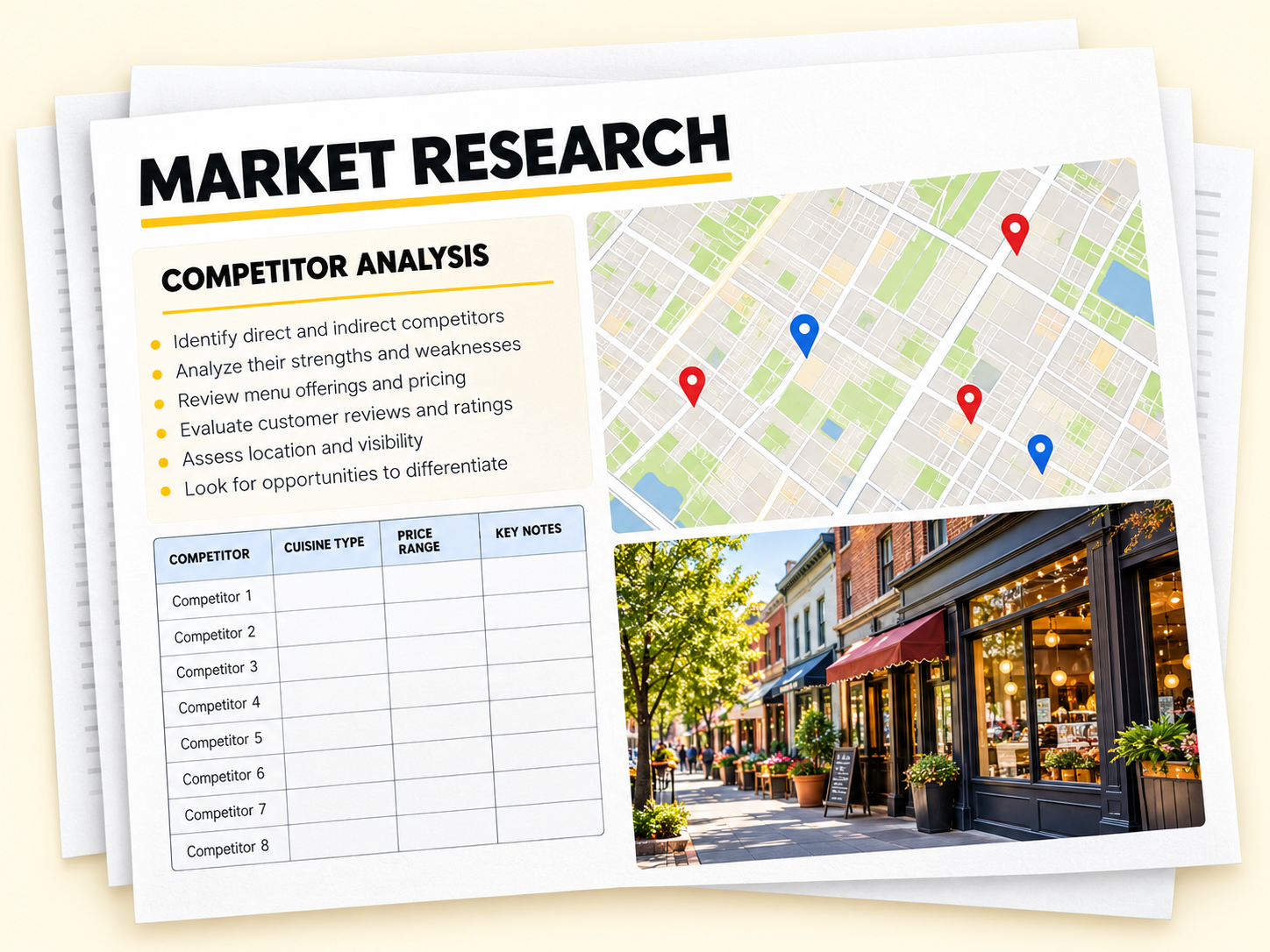
Use customer profiles and market research guides to understand your audience and assess local competition.
  • Define the customers you want to serve
  • Map and compare nearby competitors
  • Adapt your offering to your local market
*No credit card required.
Write your awesome label here.
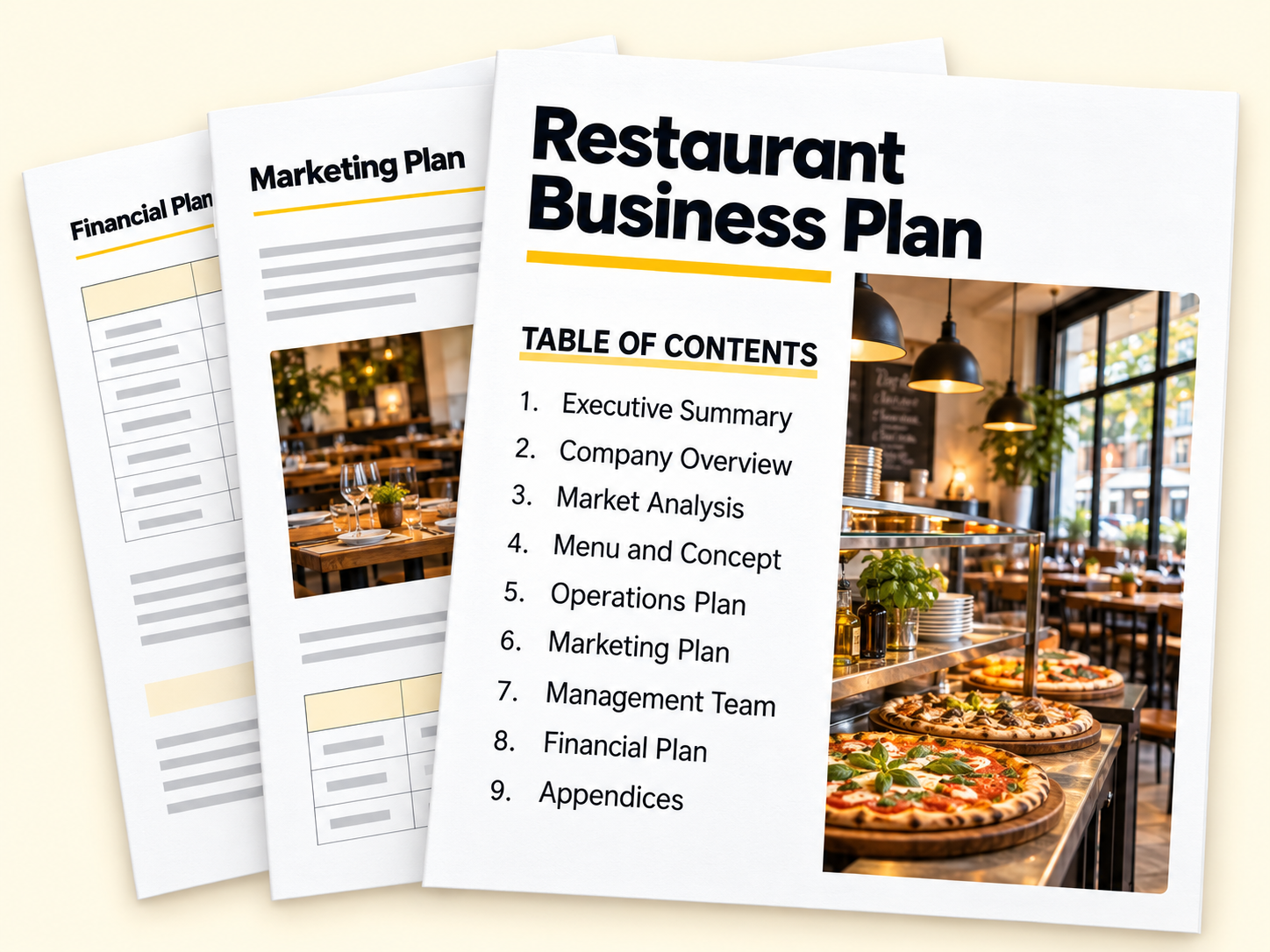
BUSINESS PLAN

Turn your concept into a business plan.

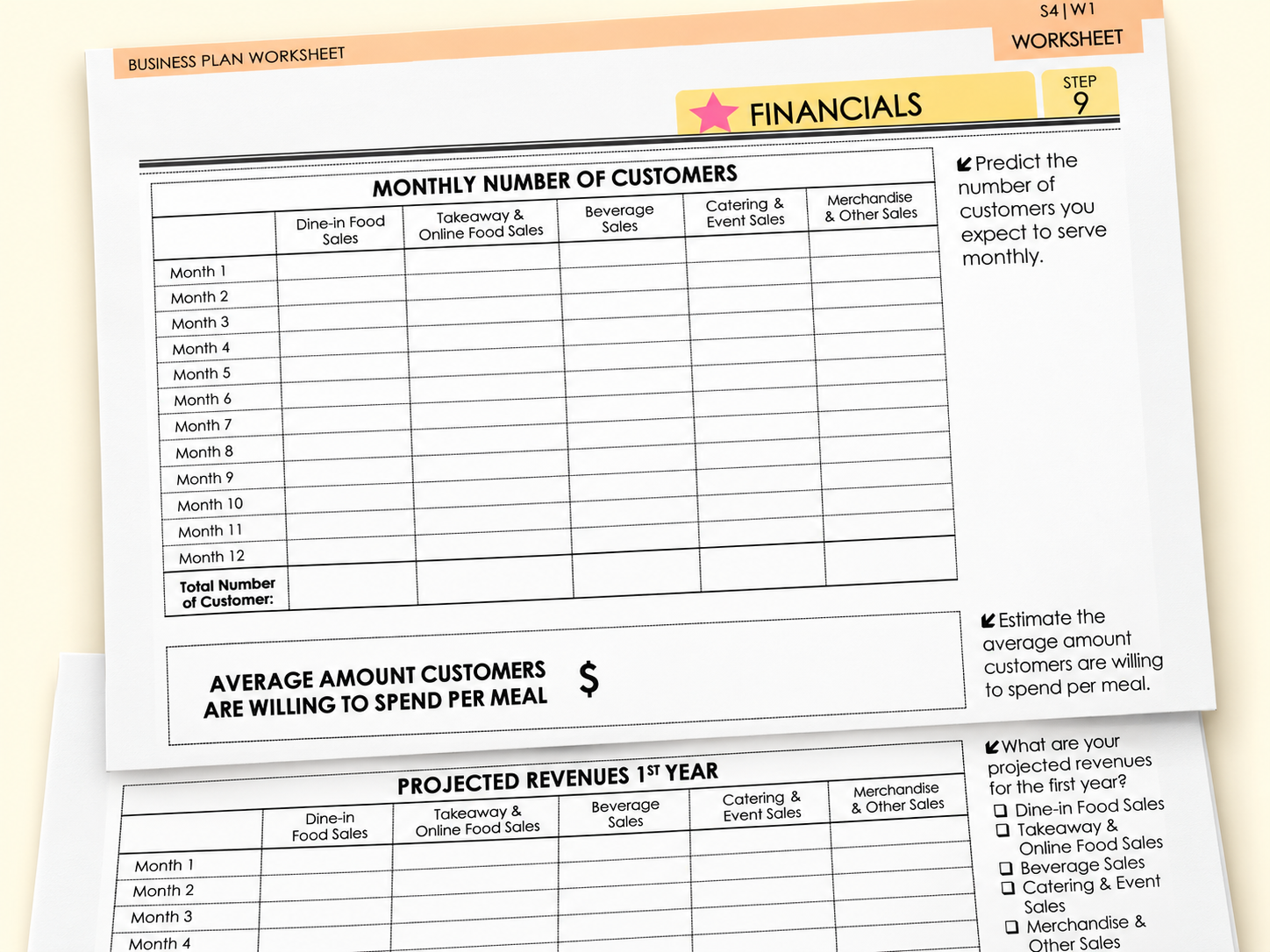
Build your pizzeria plan with guided worksheets. Add your assumptions and work through the numbers behind your idea.
  • Estimate monthly customer numbers
  • Set average spending assumptions
  • Project first-year sales by channel
*No credit card required.
Write your awesome label here.
LOCATION ANALYSIS

Evaluate your location before you commit.

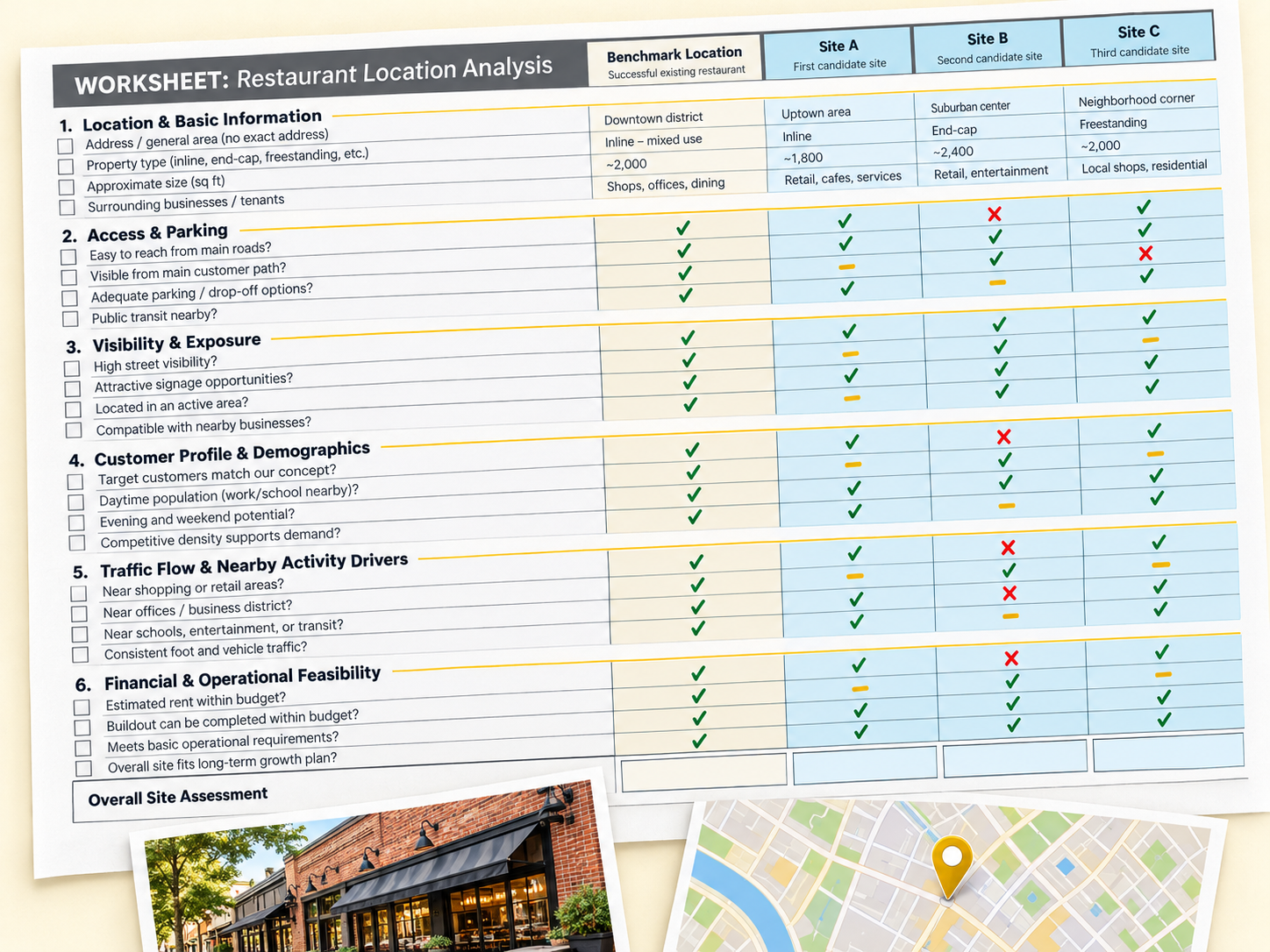
Use location analysis guides and comparison worksheets to assess potential sites against the needs of your pizzeria.
  • Compare sites against a benchmark
  • Review traffic, visibility, and access
  • Check fit with your concept and budget
*No credit card required.
Write your awesome label here.
MENU & PRICING

Know the numbers behind your menu.

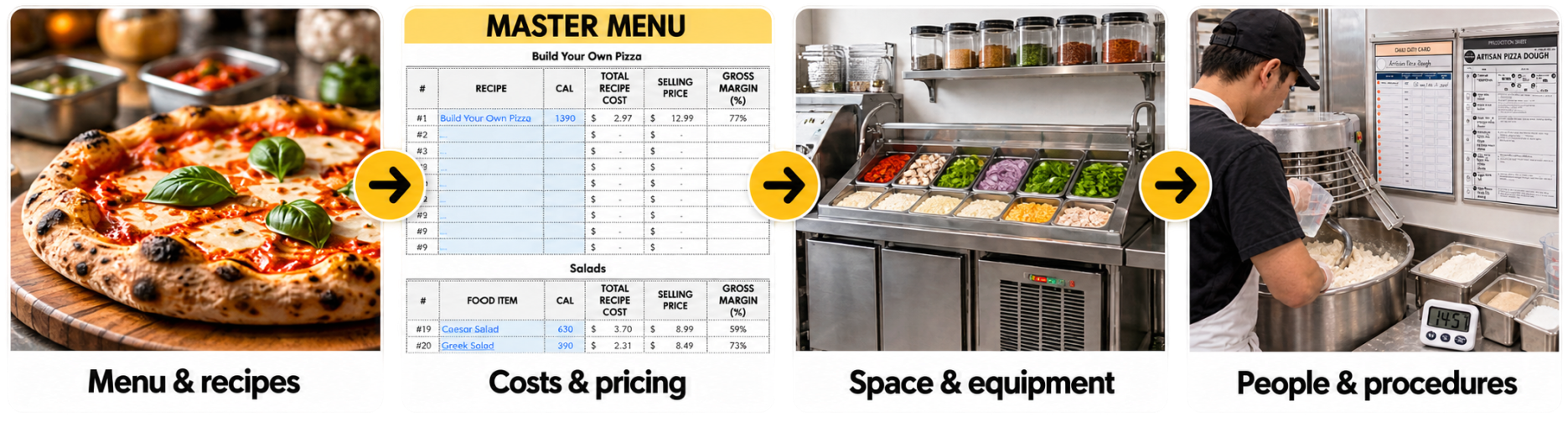
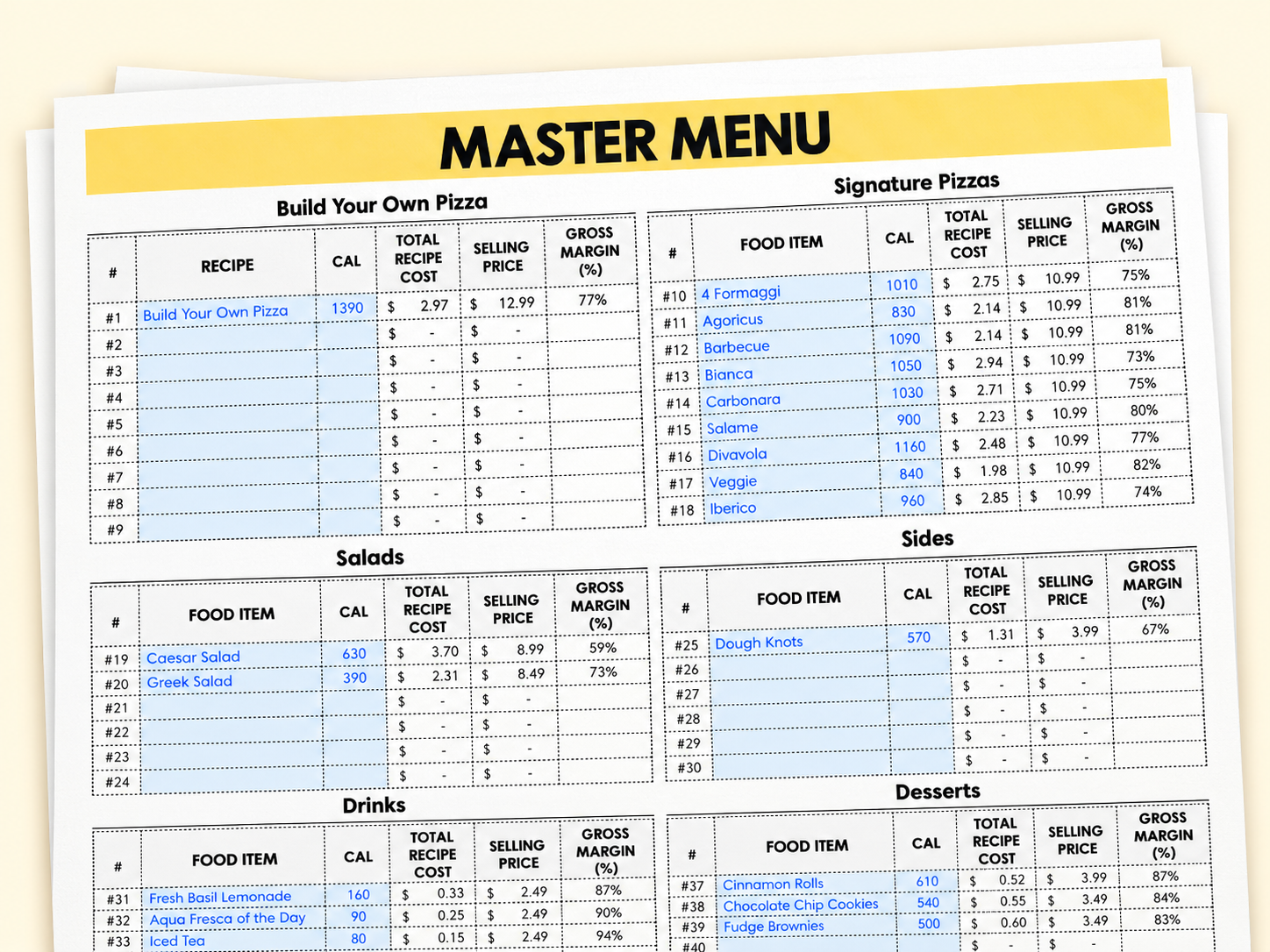
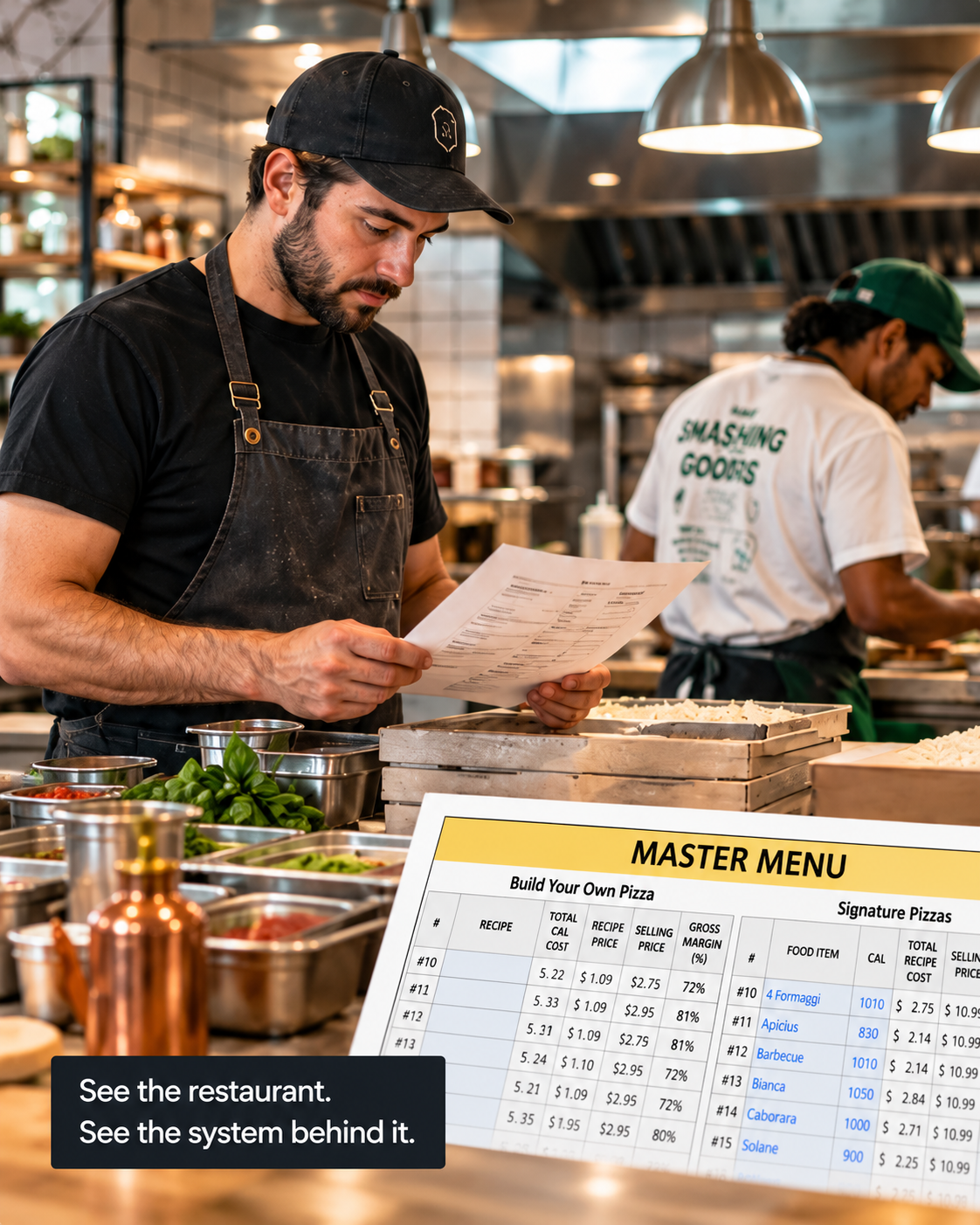
Use the Master Menu worksheet to organize your offer and review recipe costs, selling prices, and gross margins.
  • Organize items by menu category
  • Update recipe costs and selling prices
  • Compare gross margins across items
*No credit card required.
Write your awesome label here.
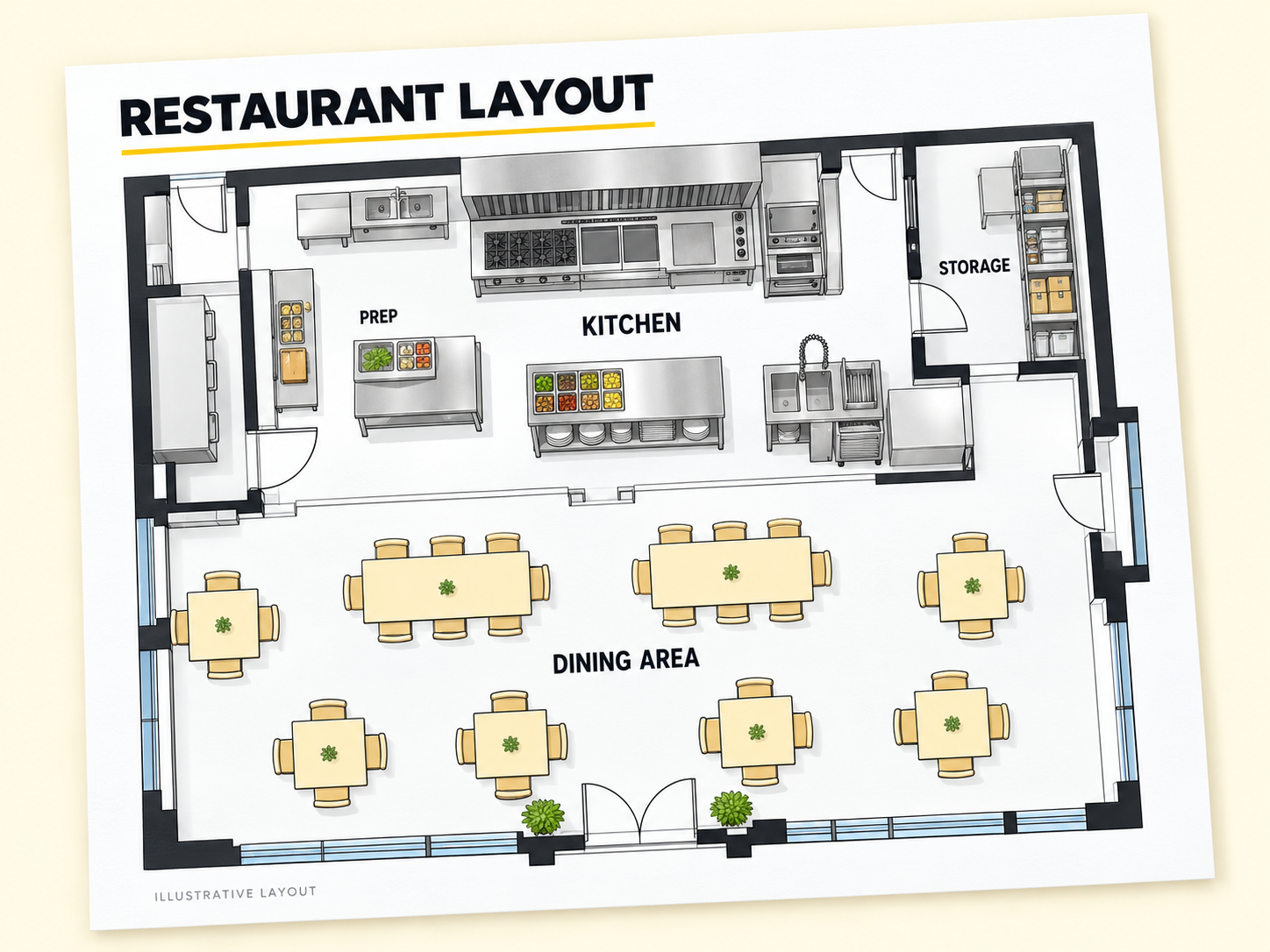
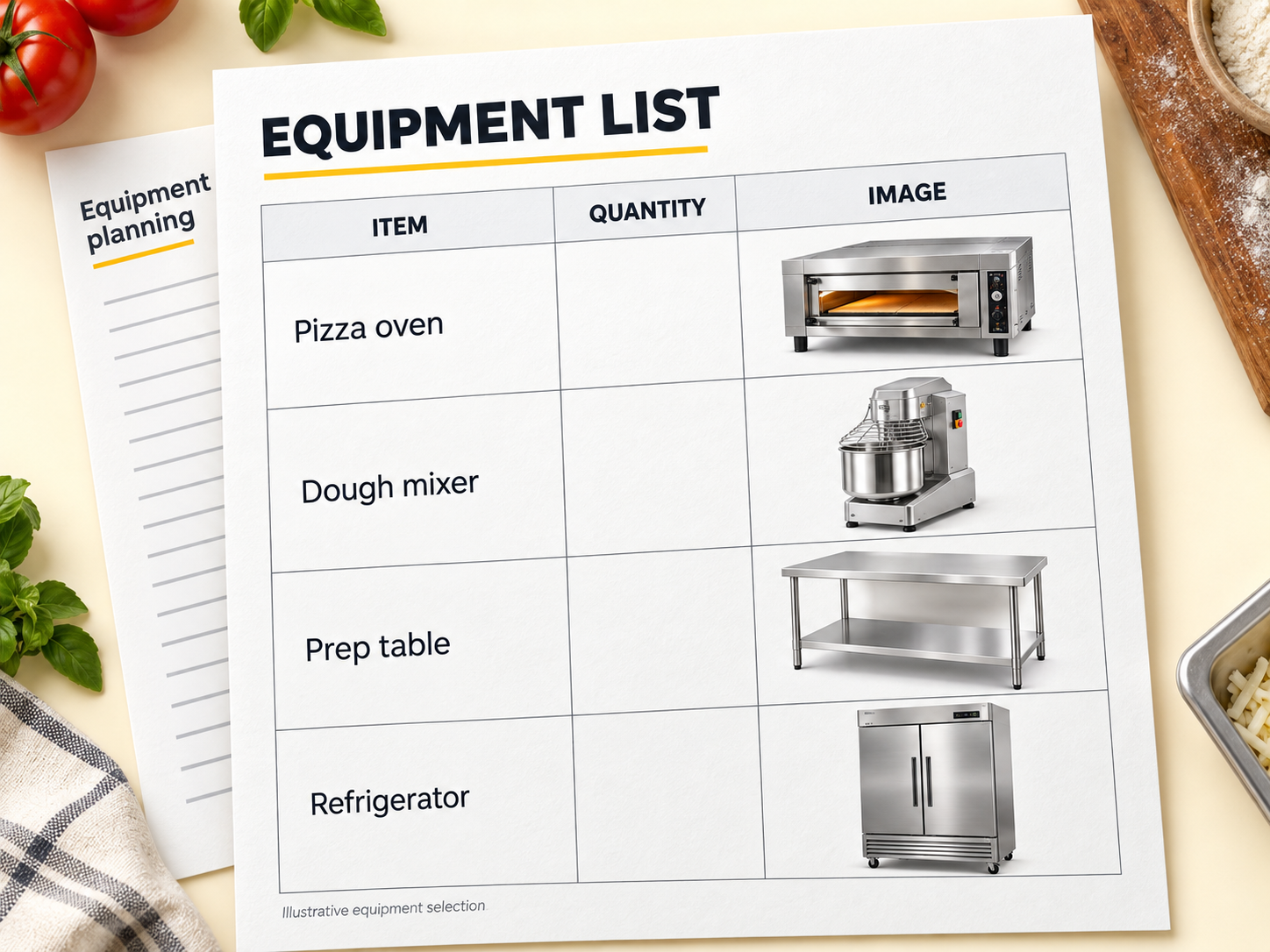
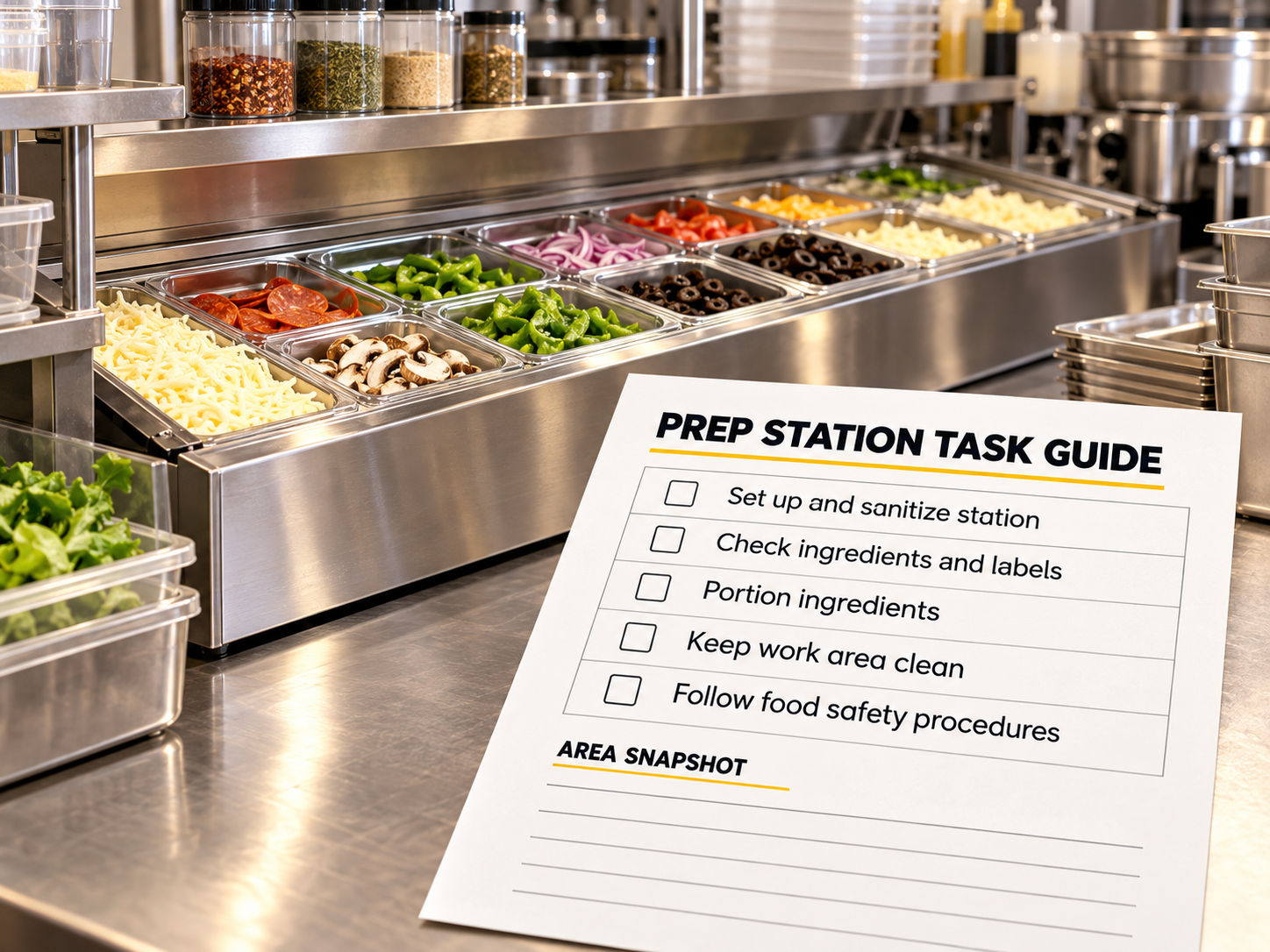
LAYOUT & WORKSTATIONS

Plan your kitchen, station by station.

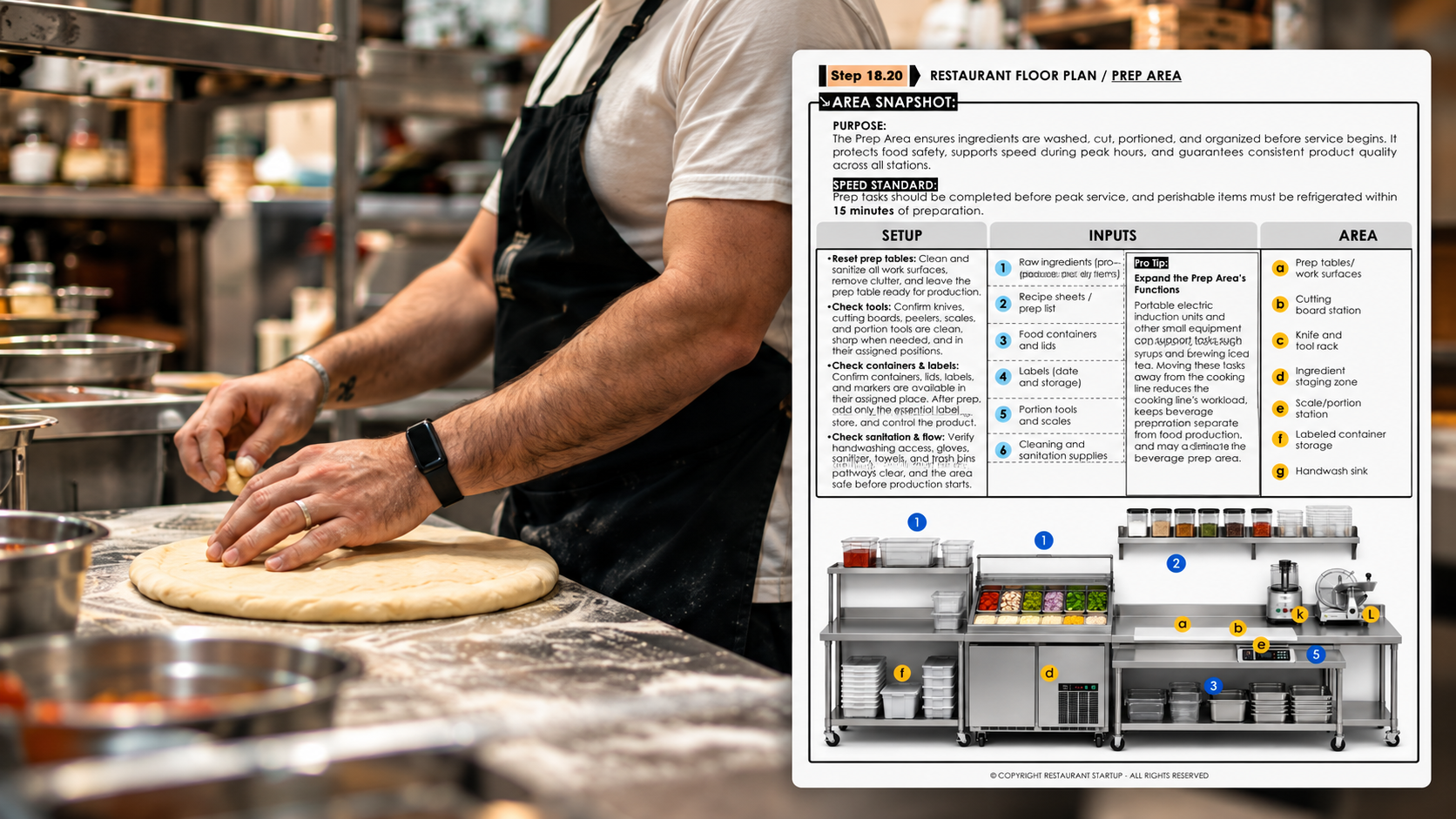
Use visual workstation guides to organize equipment, tools, storage, and daily routines around the way your pizzeria works.
  • Identify equipment and storage needs
  • Organize tools and ingredients
  • Standardize station setup and reset
*No credit card required.
Write your awesome label here.
DAILY OPERATIONS

Give your team a clear way to work.

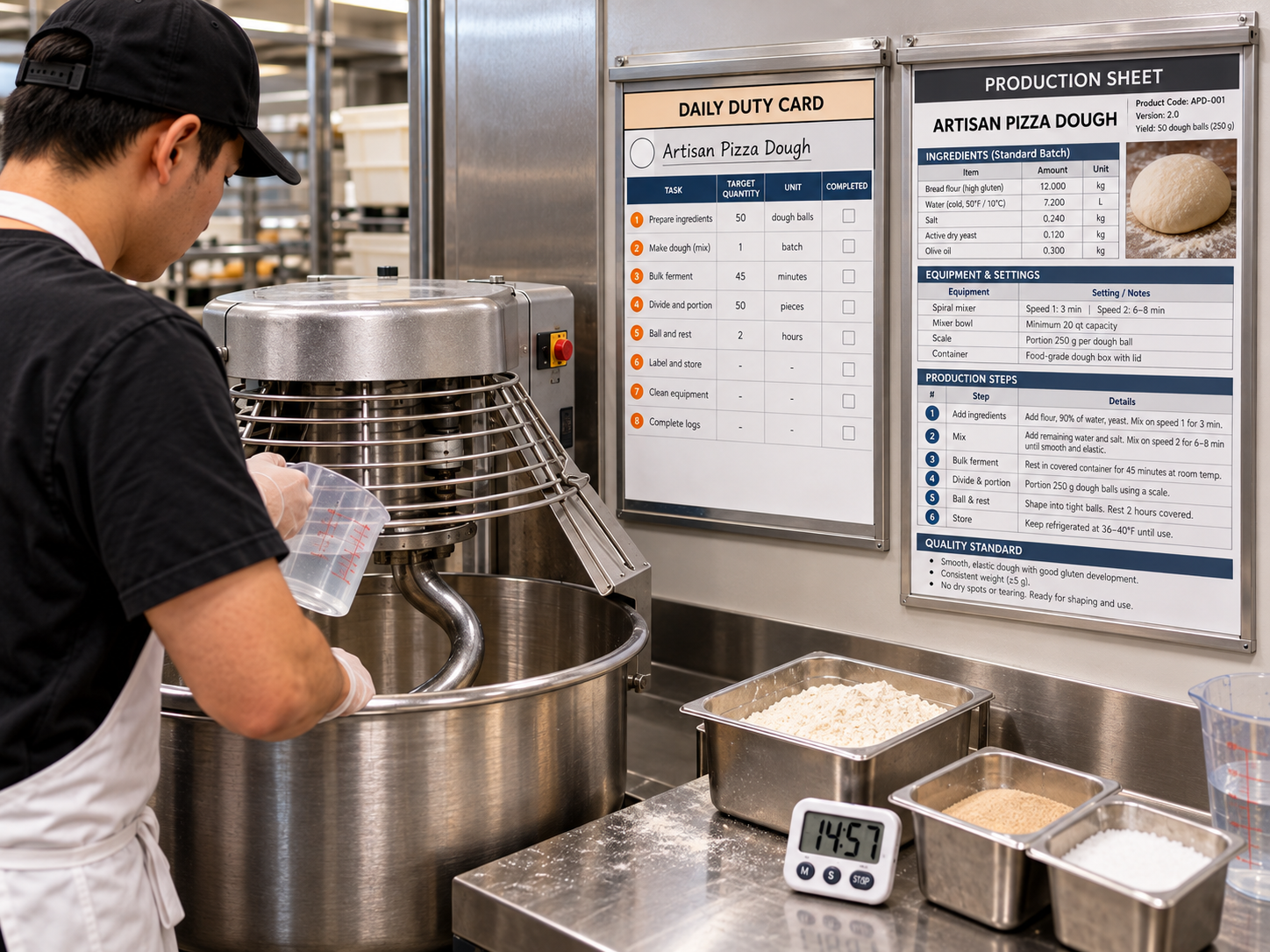
Use daily duty cards and production sheets to give each station clear instructions, quantities, and quality standards.
  • Plan what to prepare and how much
  • Follow a defined production sequence
  • Check timing, yield, and quality
*No credit card required.
Write your awesome label here.
TEAM & TRAINING

Prepare your team for everyday service.

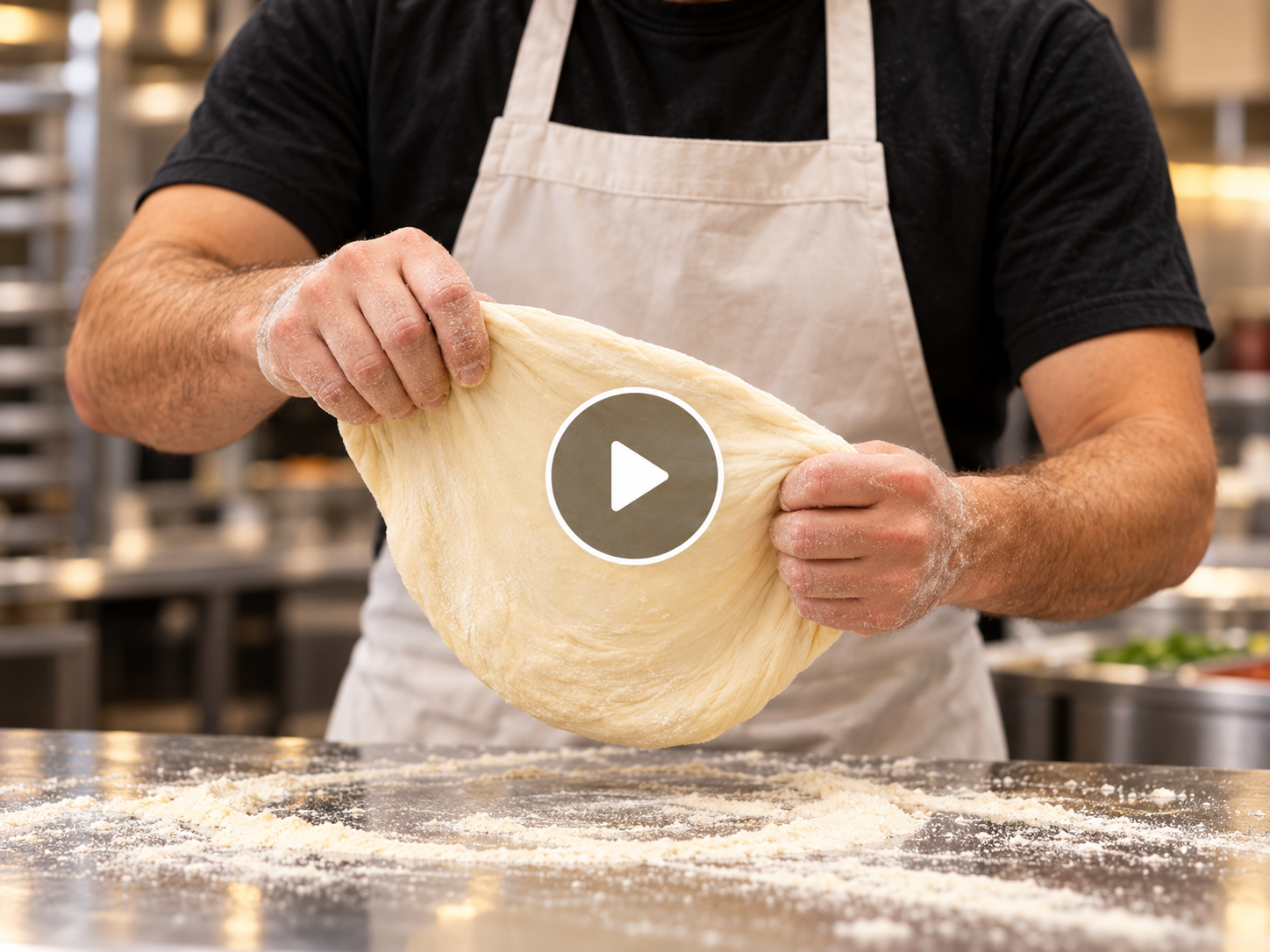
Use training videos and service guides to explain tasks, reinforce standards, and help your team prepare for daily service.
  • Demonstrate operating procedures
  • Clarify customer service expectations
  • Support onboarding and refresher training
*No credit card required.
Write your awesome label here.
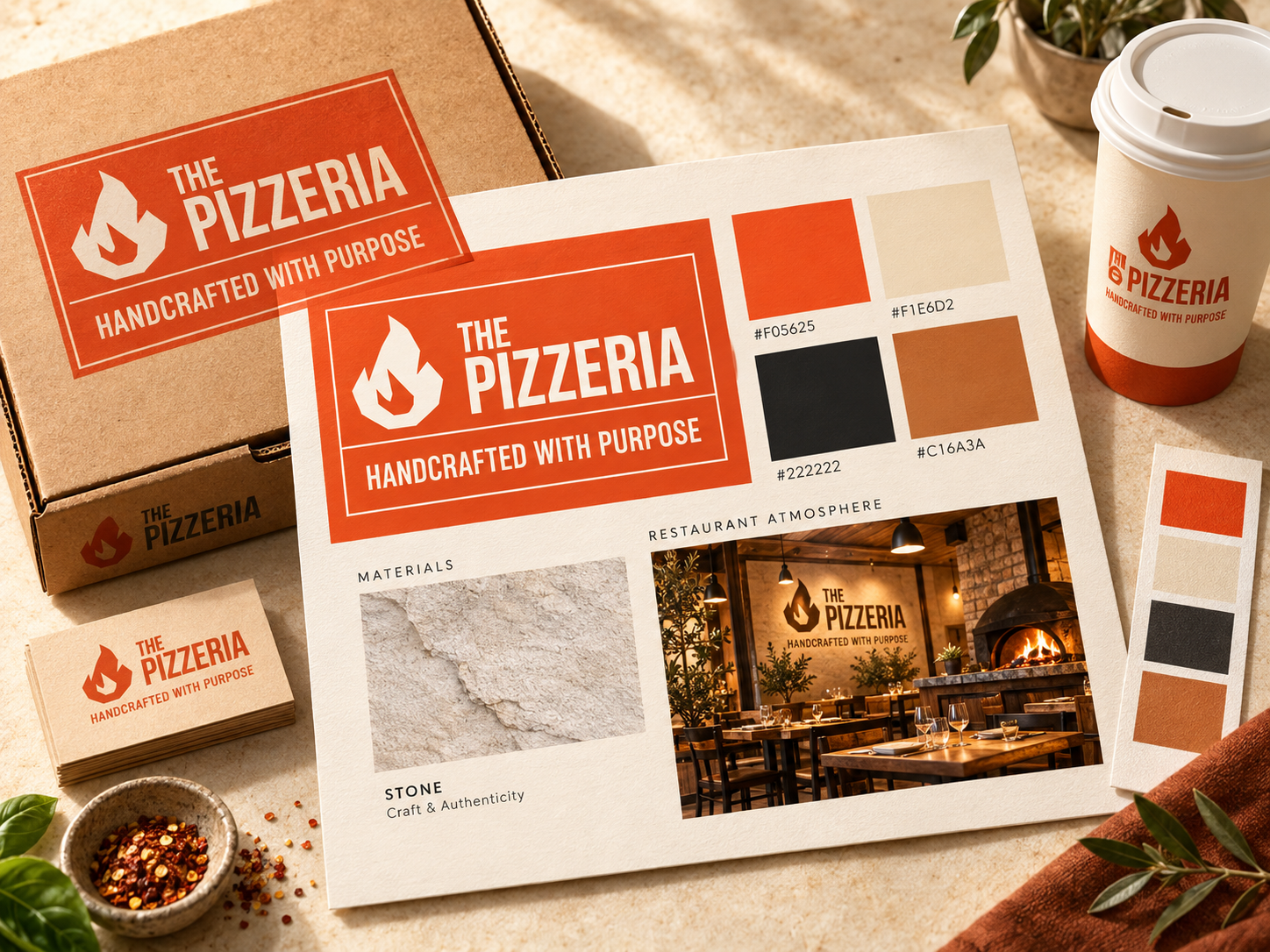
BRAND IDENTITY

Give your pizzeria a consistent identity.

Use the sample brand identity as a starting point. Adapt the logo, colors, uniforms, signage, and packaging to your pizzeria.
  • Define your logo and color palette
  • Coordinate uniforms and signage
  • Carry your brand through packaging
*No credit card required.
Write your awesome label here.
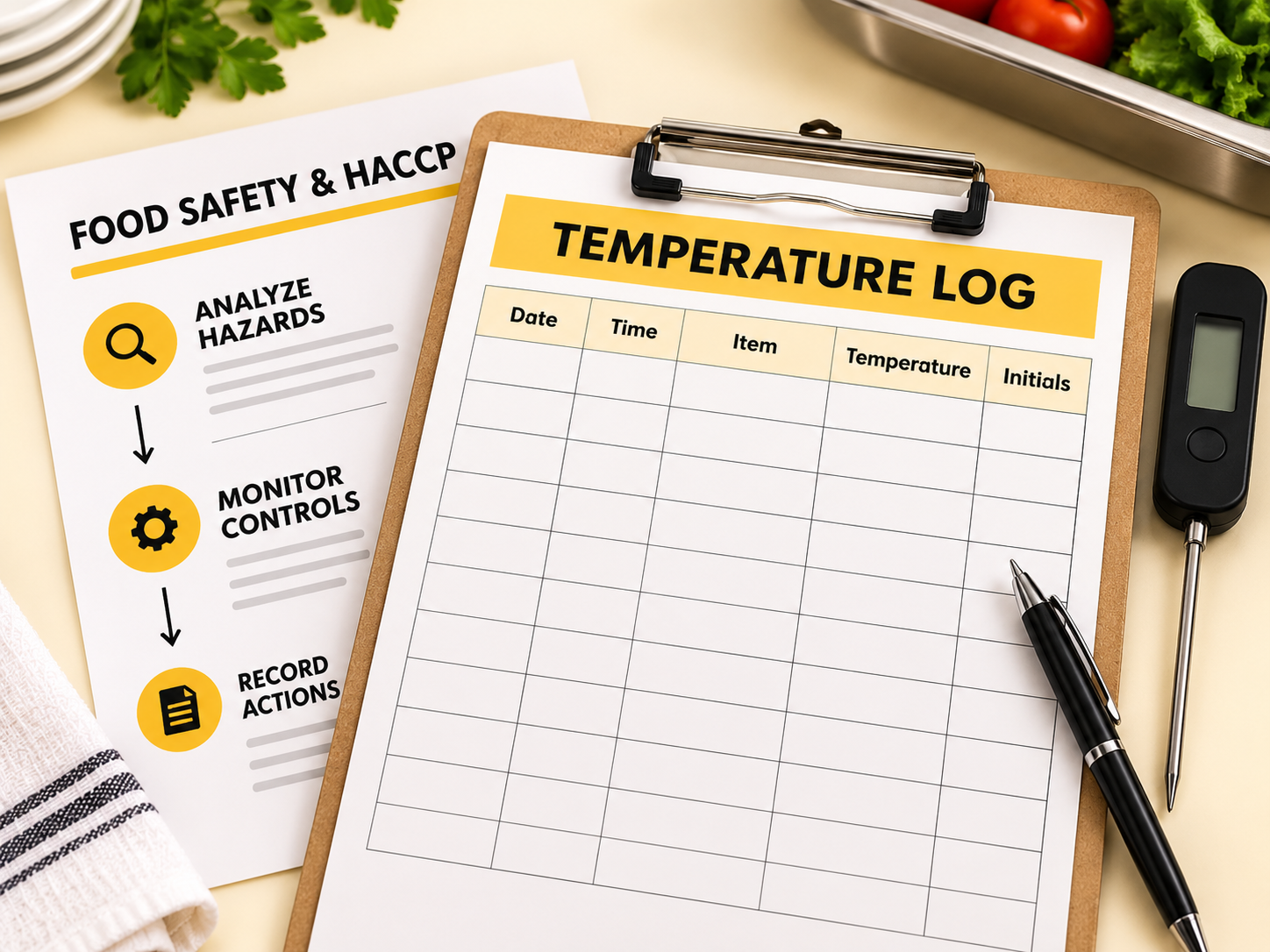
FOOD SAFETY & LABELING

Make food safety part of the routine.

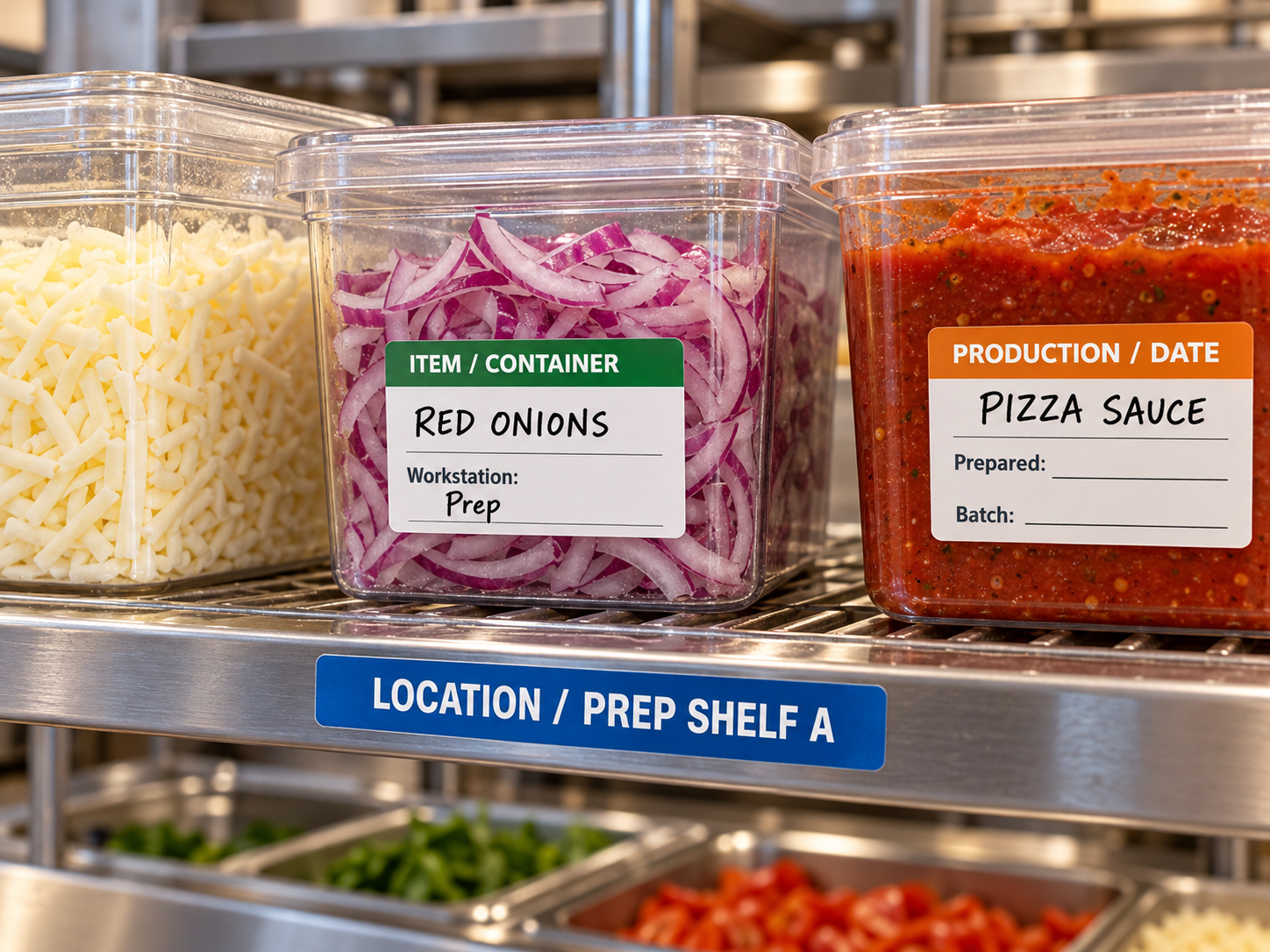
Use food safety guides and labeling templates to organize daily checks, responsibilities, and records.
  • Define controls and responsibilities
  • Label ingredients and prepared batches
  • Document checks and corrective actions
*No credit card required.
Write your awesome label here.
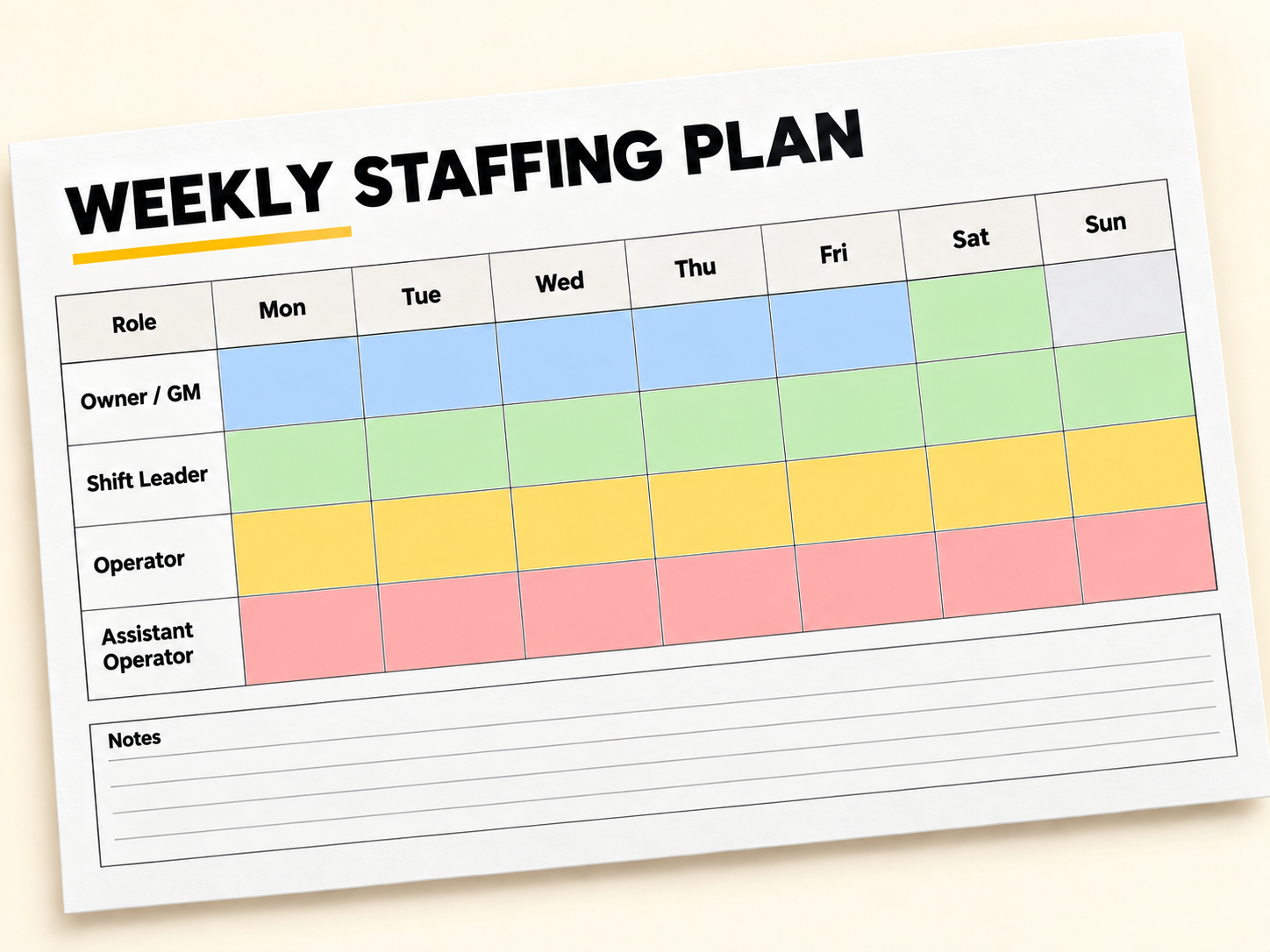
RESOURCES & STAFFING

Plan your team and launch budget.

Use resource worksheets and the Staffing Planner to estimate startup funding, organize roles, and plan staffing needs.
  • Estimate startup costs and cash needs
  • Map roles, tasks, and shift coverage
  • Review team size and labor costs
*No credit card required.
Write your awesome label here.
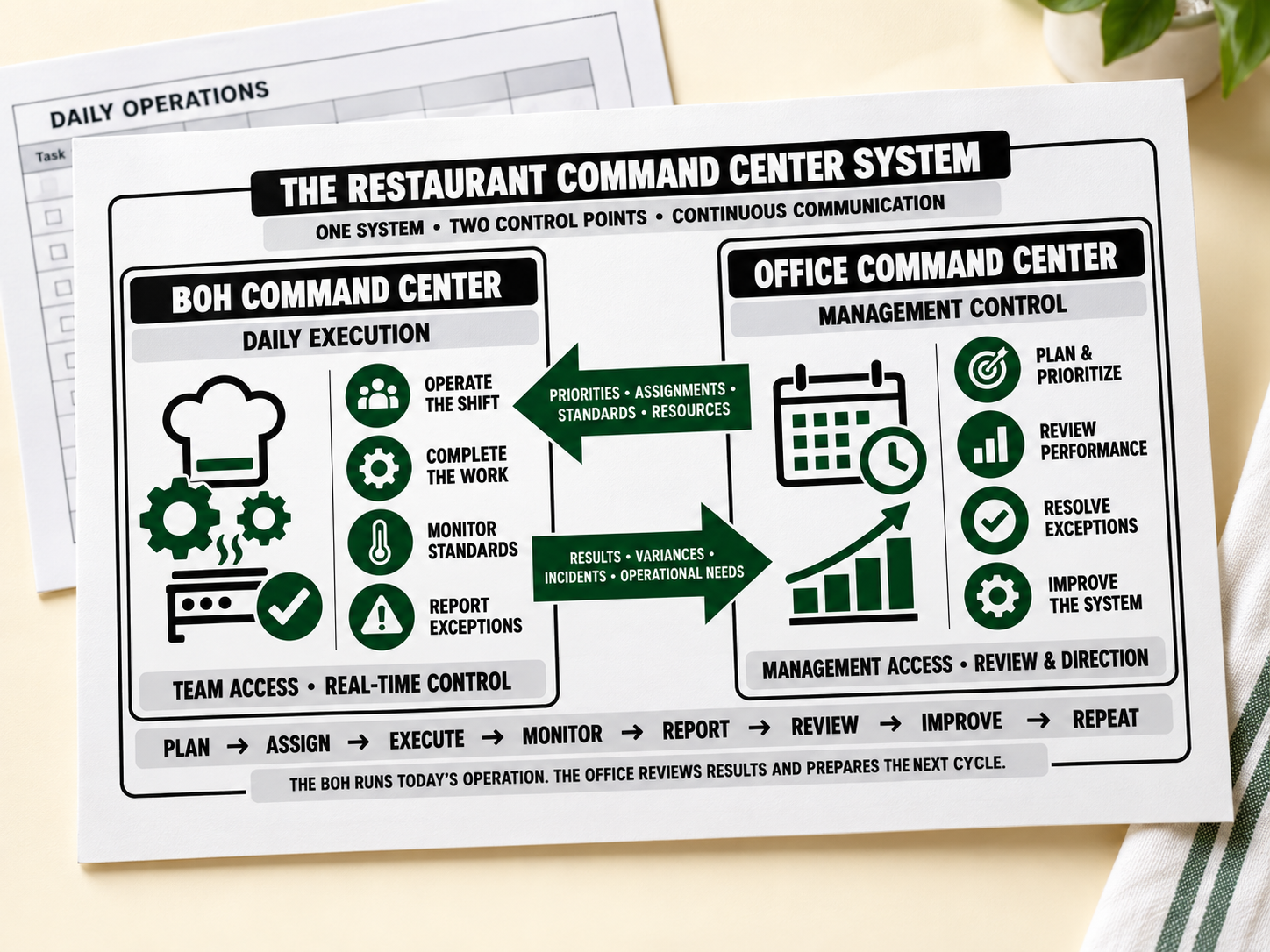
COMMAND CENTER

Turn your plans into daily action.

Use the Command Center to connect daily priorities, team responsibilities, checks, and management follow-up.
  • Assign tasks and clarify ownership
  • Track checks, incidents, and follow-ups
  • Review results and set priorities
*No credit card required.
Write your awesome label here.
VIRTUAL TOUR

Step inside the pizzeria model.

Take a visual tour of the pizzeria model and connect the planning resources with a restaurant setting.
  • Explore the restaurant environment
  • See equipment and service in context
  • Find ideas for your own space
*No credit card required.
Write your awesome label here.
OPENING PROCEDURES

Start each day with a clear routine.

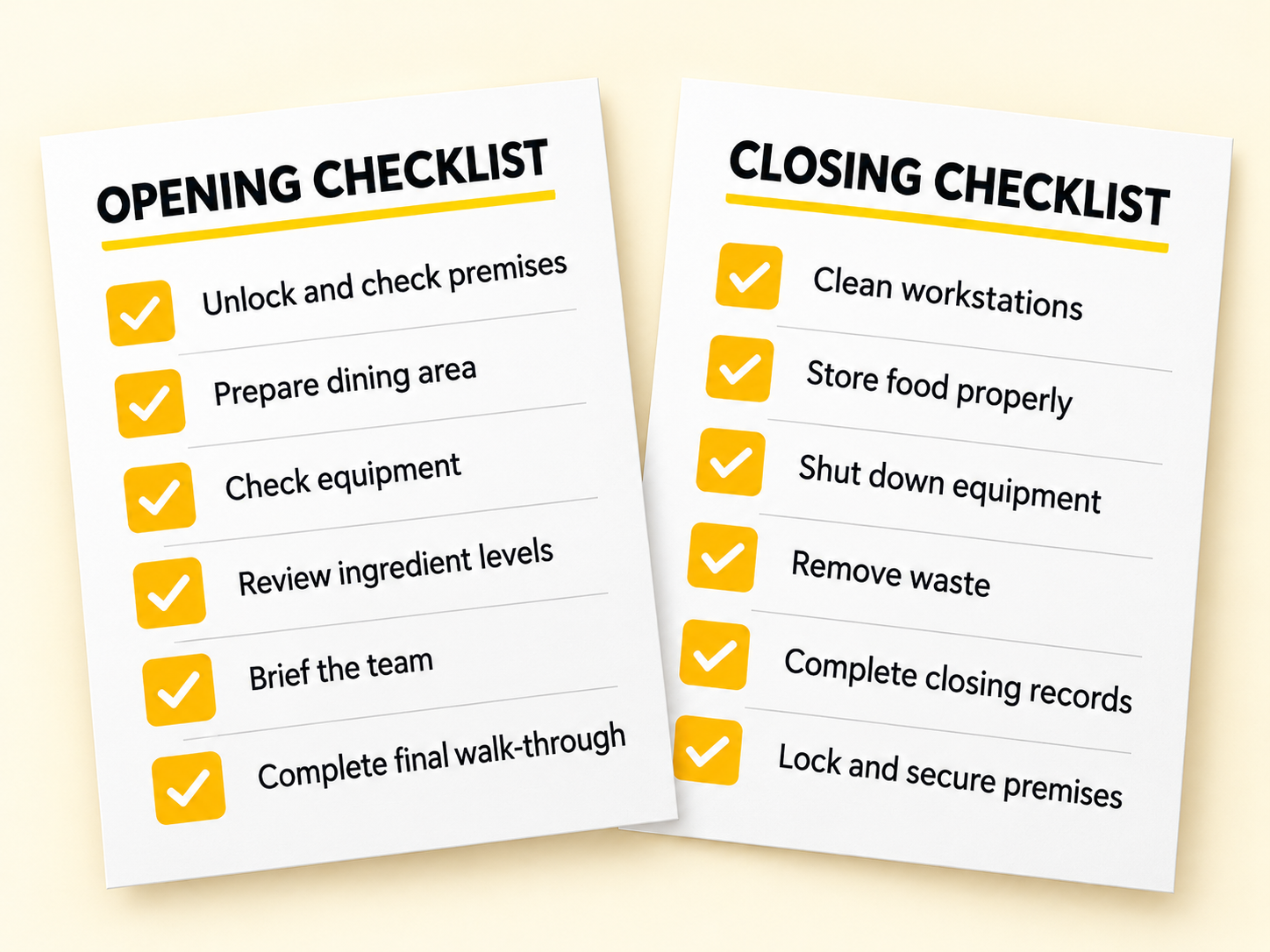
Use a structured opening checklist to organize tasks, timing, and responsibilities before your doors open each day.
  • Prepare dining and kitchen areas
  • Assign tasks to the right team members
  • Complete checks before service begins
*No credit card required.
Write your awesome label here.
STARTUP FUNDING

Plan your startup funding needs.

Use the financial resources worksheet to bring startup costs, working capital, and a contingency reserve into one plan.
  • List one-time startup costs
  • Estimate working capital needs
  • Allow for unexpected expenses
*No credit card required.
Write your awesome label here.
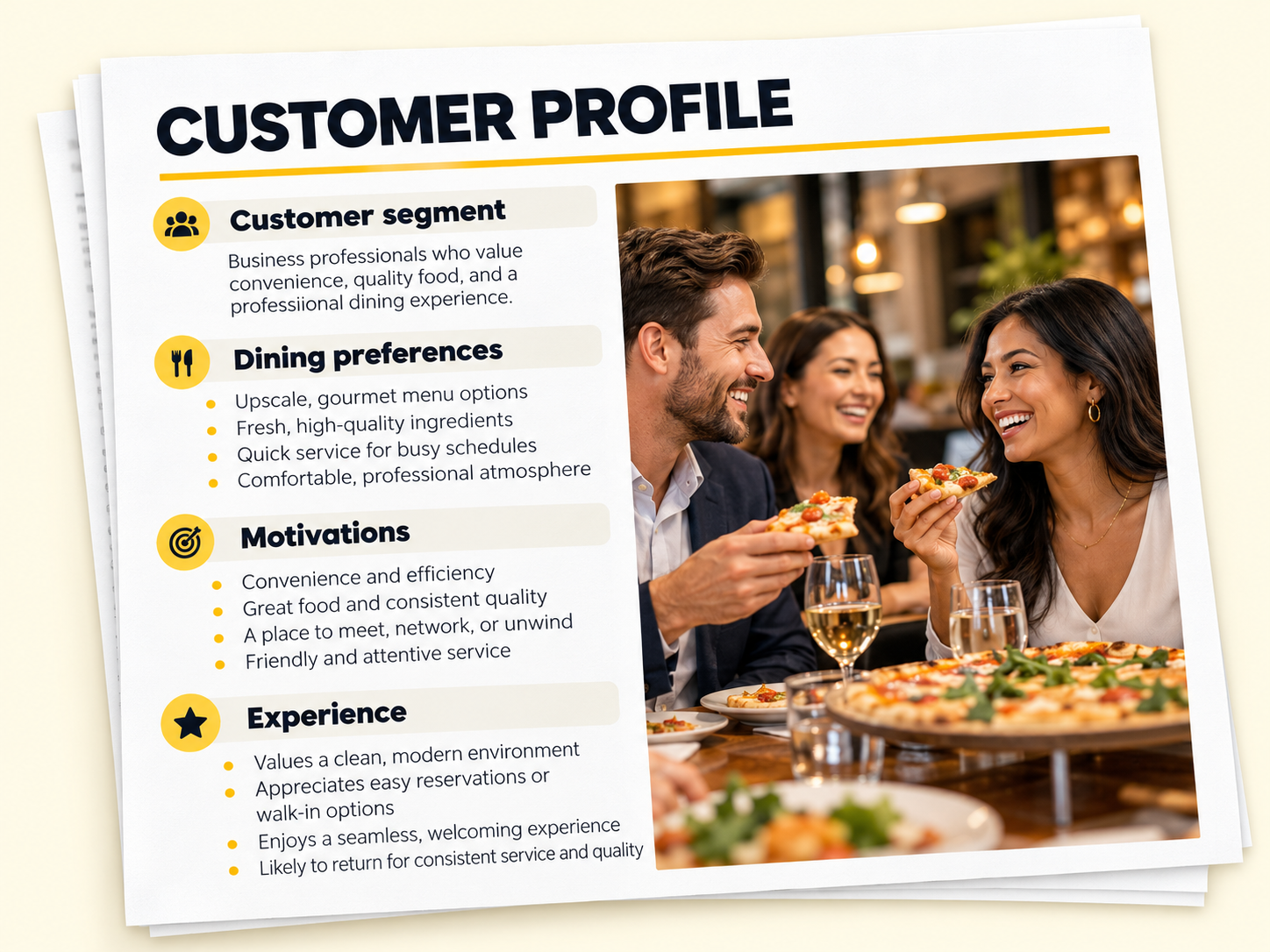
CUSTOMER PROFILES

Shape your offer around your customers.

Use a sample customer profile to explore dining habits, preferences, and motivations, then adapt it to your local audience.
  • Define the customers you want to serve
  • Review needs, habits, and preferences
  • Align your menu, service, and messaging
*No credit card required.
Write your awesome label here.
OUTDOOR DINING

Plan a space your guests can enjoy.

Use the outdoor dining guide to plan seating, circulation, materials, and atmosphere around your space and concept.
  • Define dining areas and walkways
  • Consider shade and weather protection
  • Coordinate lighting, furniture, and style
*No credit card required.
Write your awesome label here.
PACKAGING & PROMOTIONS

Carry your brand beyond the counter.

Use packaging examples and promotional materials to extend your pizzeria's identity across takeout orders and customer communications.
  • Coordinate boxes, bowls, and cups
  • Adapt loyalty and partnership materials
  • Keep a consistent look across formats
*No credit card required.
Write your awesome label here.

The foundation is developed.
Your decisions make it yours.

Already developed for you

Start with a complete restaurant model and practical resources that connect the key parts of your business.
  • A restaurant model and clear 30-step roadmap.
  • Business planning and financial worksheets.
  • Menu development and recipe costing tools.
  • Layout and workstation planning guides.
  • Staffing planners and daily operating procedures.
  • Marketing and launch planning resources.

Adapted to your business

Make the model your own by shaping it around your vision, your customers, and your local market.
  • Your brand, concept, and customer experience.
  • Your menu, recipes, portions, and prices.
  • Your budget, local costs, and financial targets.
  • Your location, layout, and equipment.
  • Your suppliers, ingredients, and stock needs.
  • Your team, responsibilities, and operating routines.
WHY THE SYSTEM MATTERS

One decision shapes the rest.

What you sell affects what you buy, how to prepare it, where people work, and how you serve.

Make decisions with the whole business in view.

Work through the connections before changing your menu, buying equipment, or training your team.

One operating system.
A model for your restaurant.
The structure stays consistent. The menu, workflow, layouts, and resources reflect each restaurant model.
AVAILABLE NOW

Pizzeria 
Launch OS

Explore the developed pizzeria model and the tools behind it.

COMING SOON

Burger - Taqueria - Poke - Sandwich - Hotdog

INSIDE PIZZERIA LAUNCH OS

Practical resources. 
Ready to put to work.

Explore the plans, worksheets, guides, and operating 
tools that connect every part of your restaurant.

Market research

Examine your market, competitors, and opportunities to give your concept a stronger foundation.

Customer profiles

Define who you want to serve, what they value, and what influences their choices.

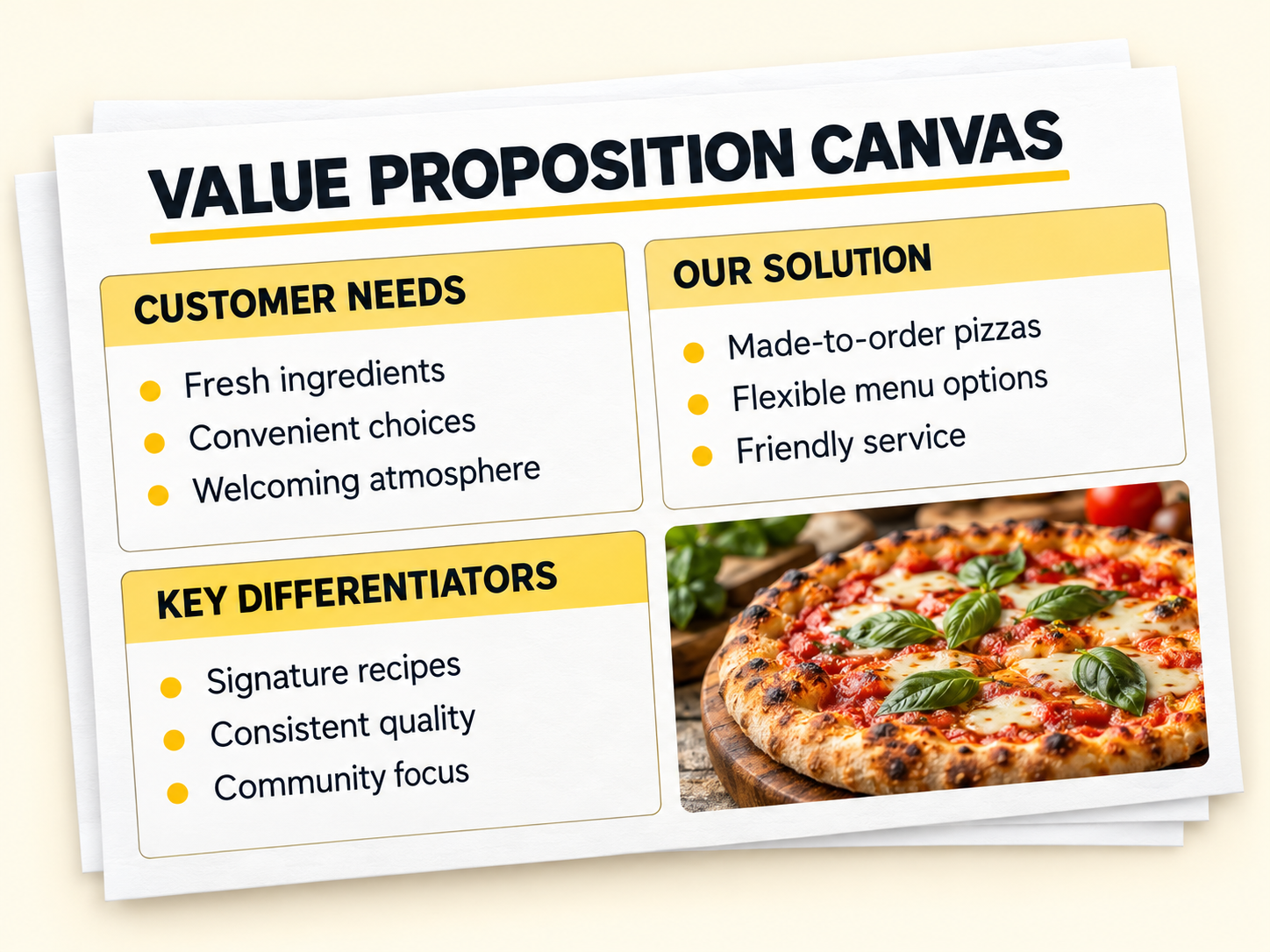
Value proposition

Clarify why customers should choose your restaurant.

Business planning

Bring your concept, priorities, and key business decisions together in a structured plan.

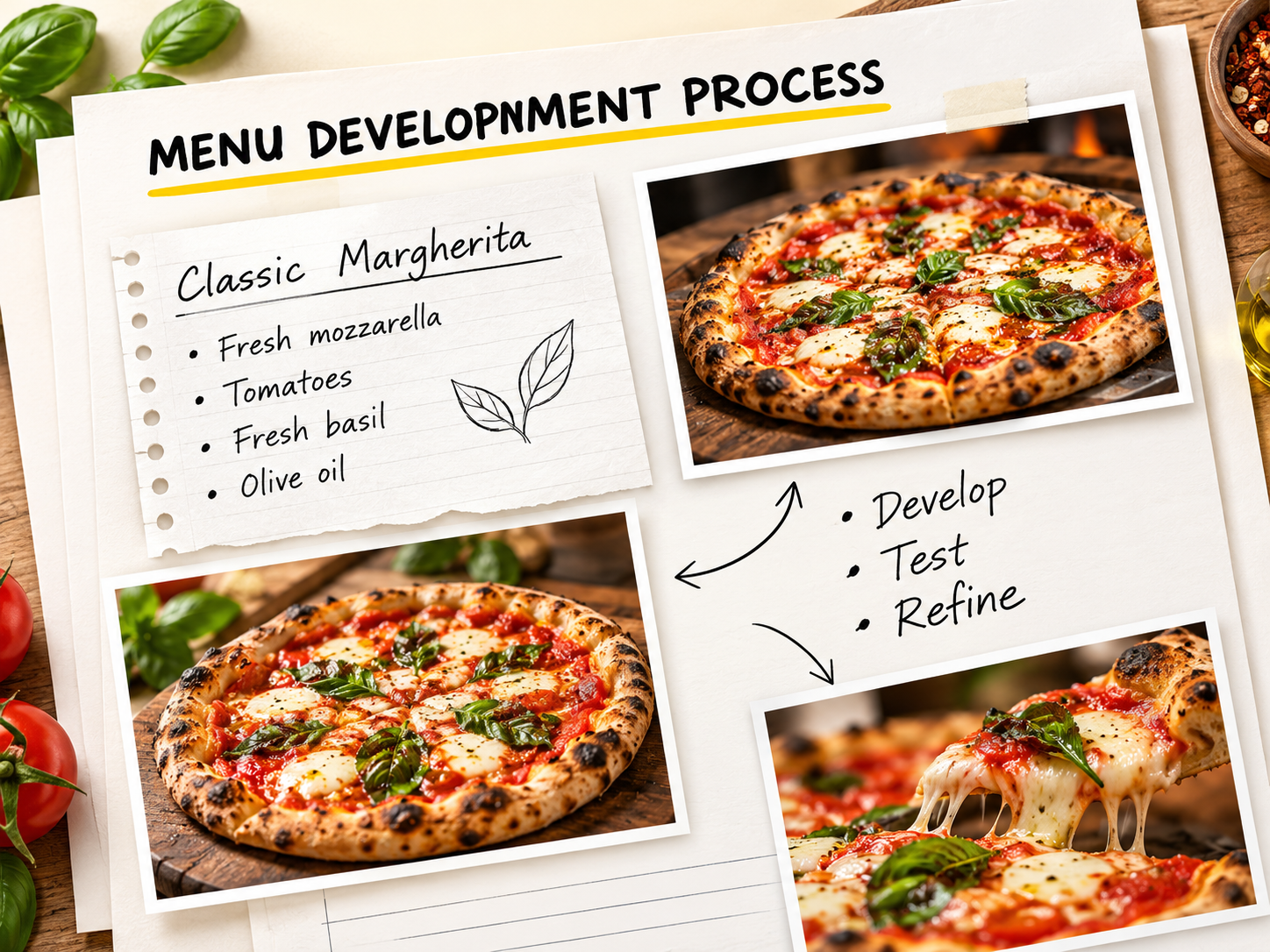
Menu development

Shape a menu that connects your concept, customer expectations, and operational needs.

Recipe sheets

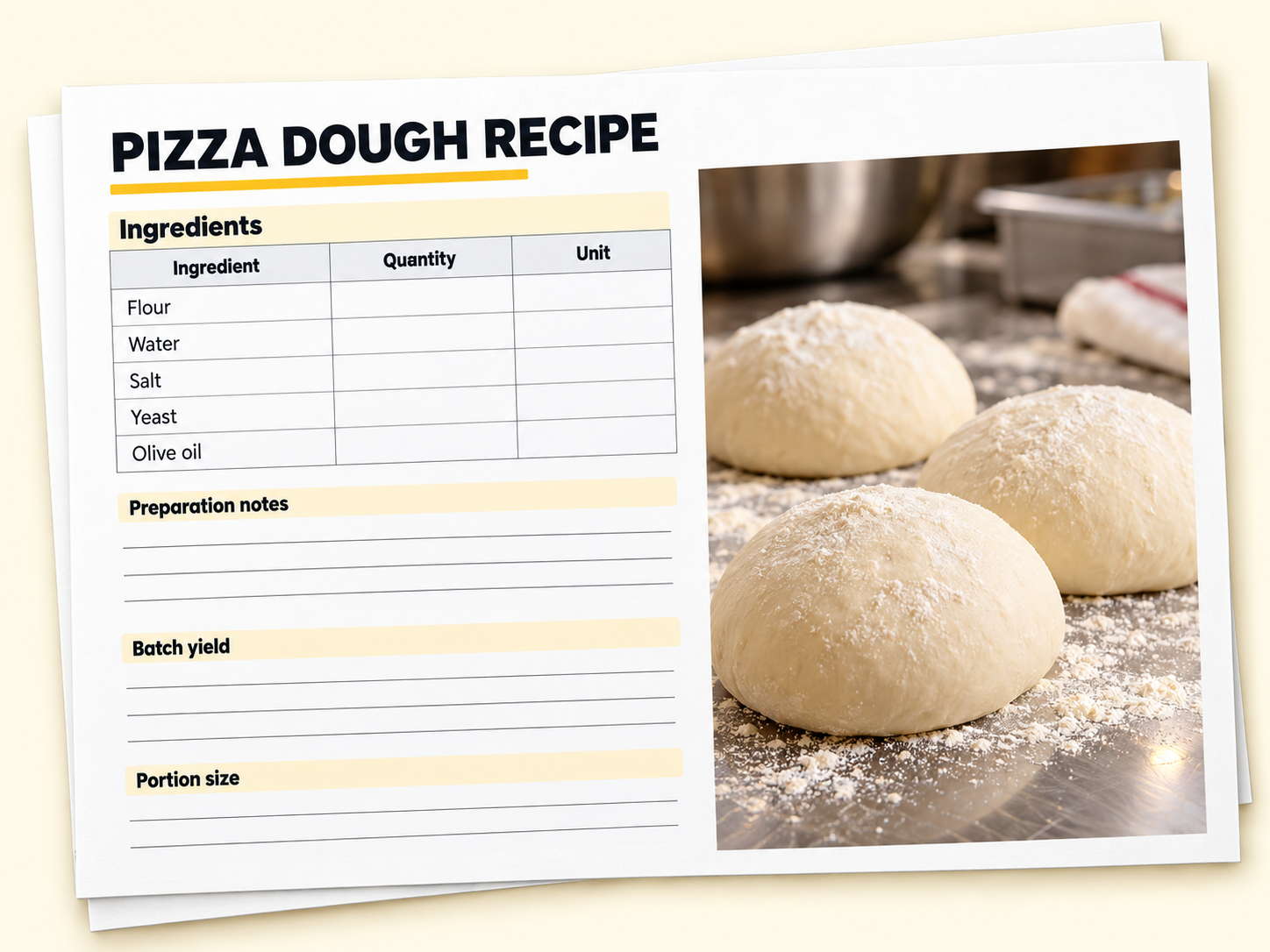
Document ingredients, quantities, preparation methods, and portions to support consistent execution.

Master menu and costing

Review menu items, ingredient costs, selling prices, and margins in one place.

Financial worksheets

Explore startup costs, sales assumptions, operating expenses, and funding needs.

Location analysis

Compare potential locations against the needs of your concept and target customers.

Restaurant layouts

Explore how customer areas, production spaces, and movement fit together.

Equipment and resources

Identify the equipment, utensils, and resources your restaurant will need.

Workstation guides

Understand how each work area supports preparation, production, and service.

Staffing planners

Plan roles, responsibilities, and staffing needs around the work your restaurant requires.

Opening and closing

Give your team a consistent routine for preparing, checking, and resetting the restaurant.

Operations sheets

Turn daily duties, production, handling, and service tasks into clear working instructions.

Training videos

See how key tasks and processes are carried out in practice.

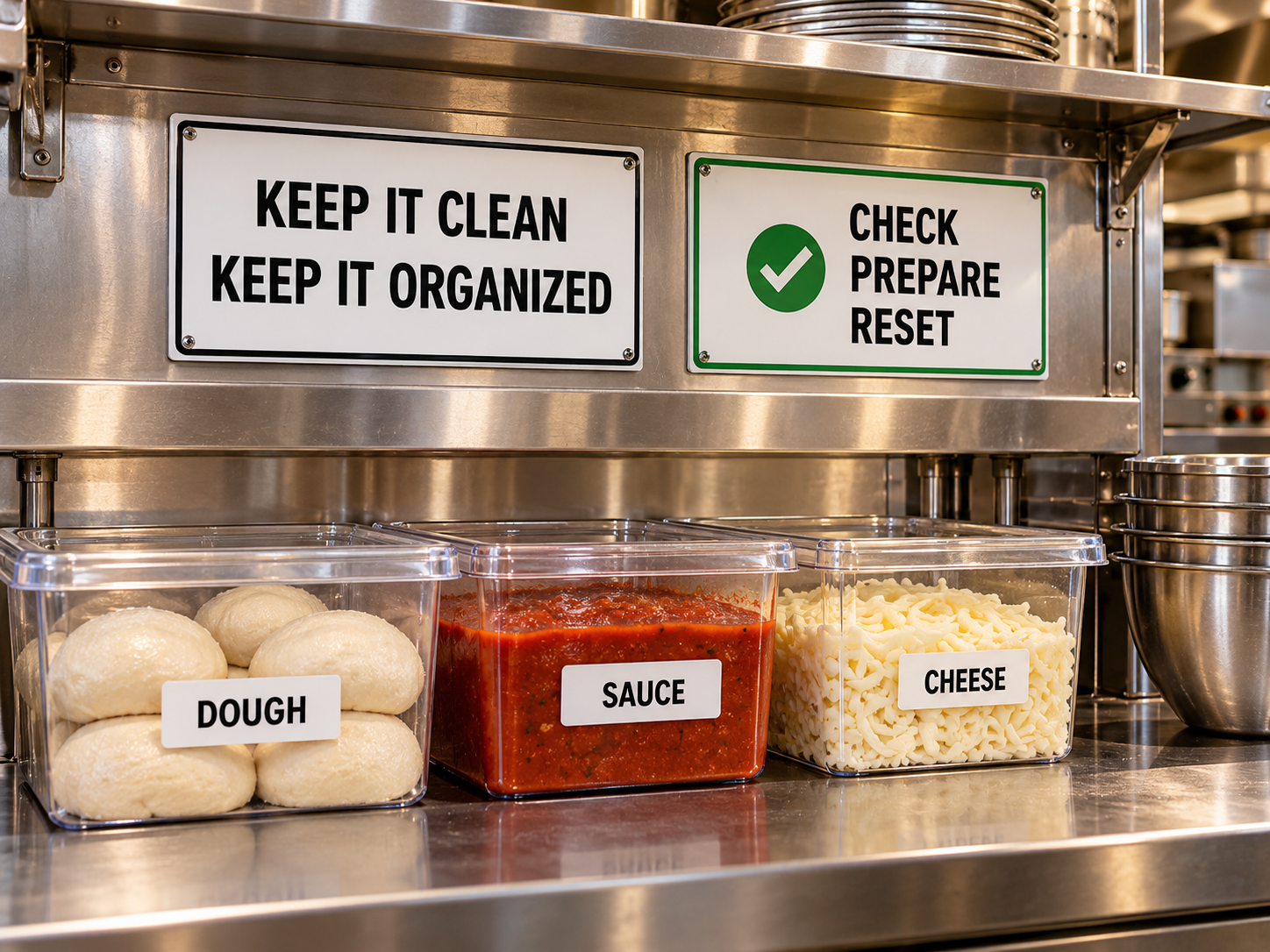
Item Label System

Organize locations, containers, and production dates with a consistent labeling approach.

Visual management

Make instructions, storage locations, and workplace expectations easier to recognize.

Food safety and HACCP

Structure food safety checks, monitoring records, and corrective actions.

The Command Center

Bring priorities, responsibilities, and operating information together for daily coordination.

Brand identity

Develop a consistent identity across your restaurant, communications, and customer touchpoints.

Marketing plans

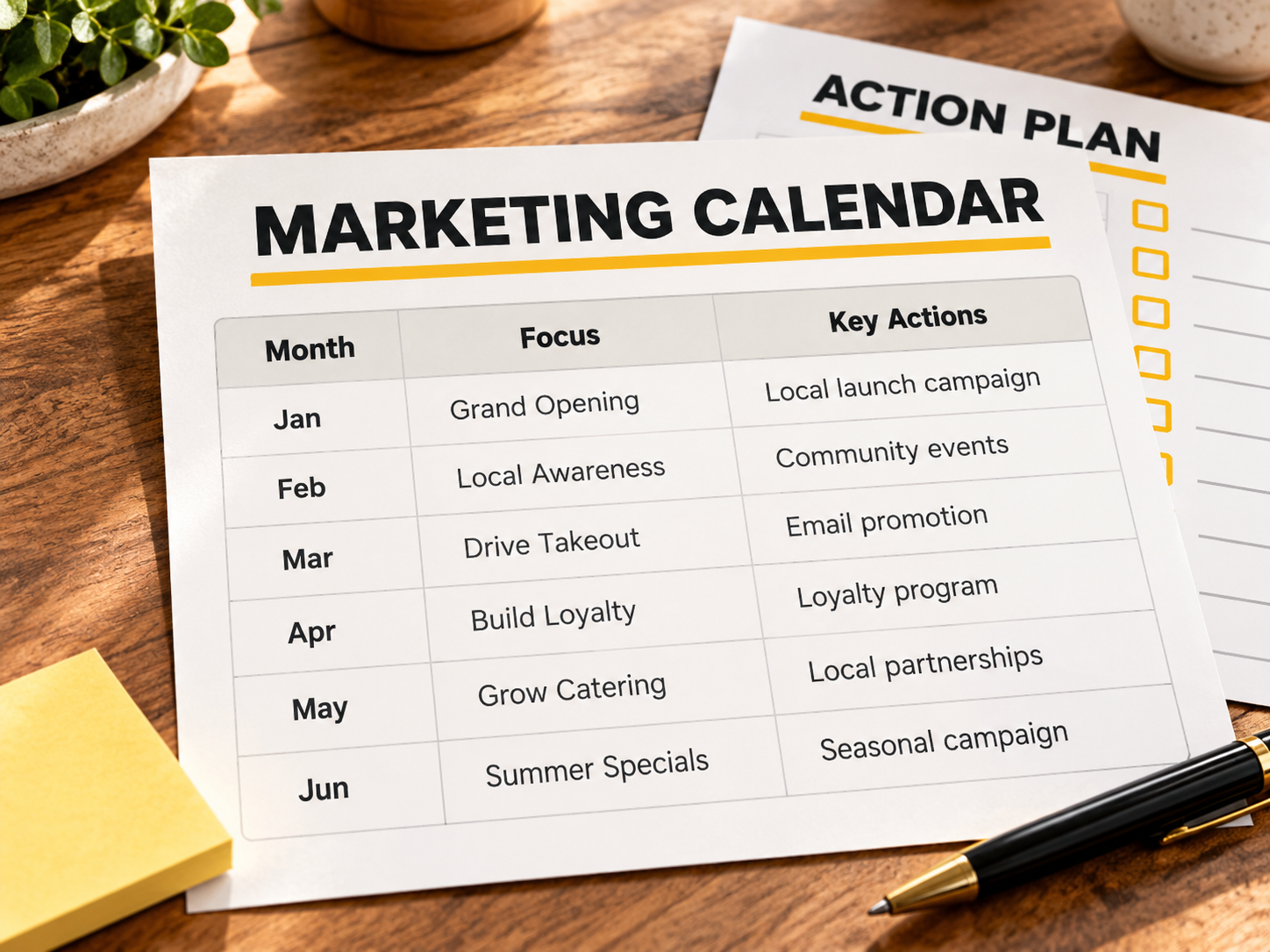
Organize actions to build awareness, encourage first visits, and bring customers back.

Sales and communication

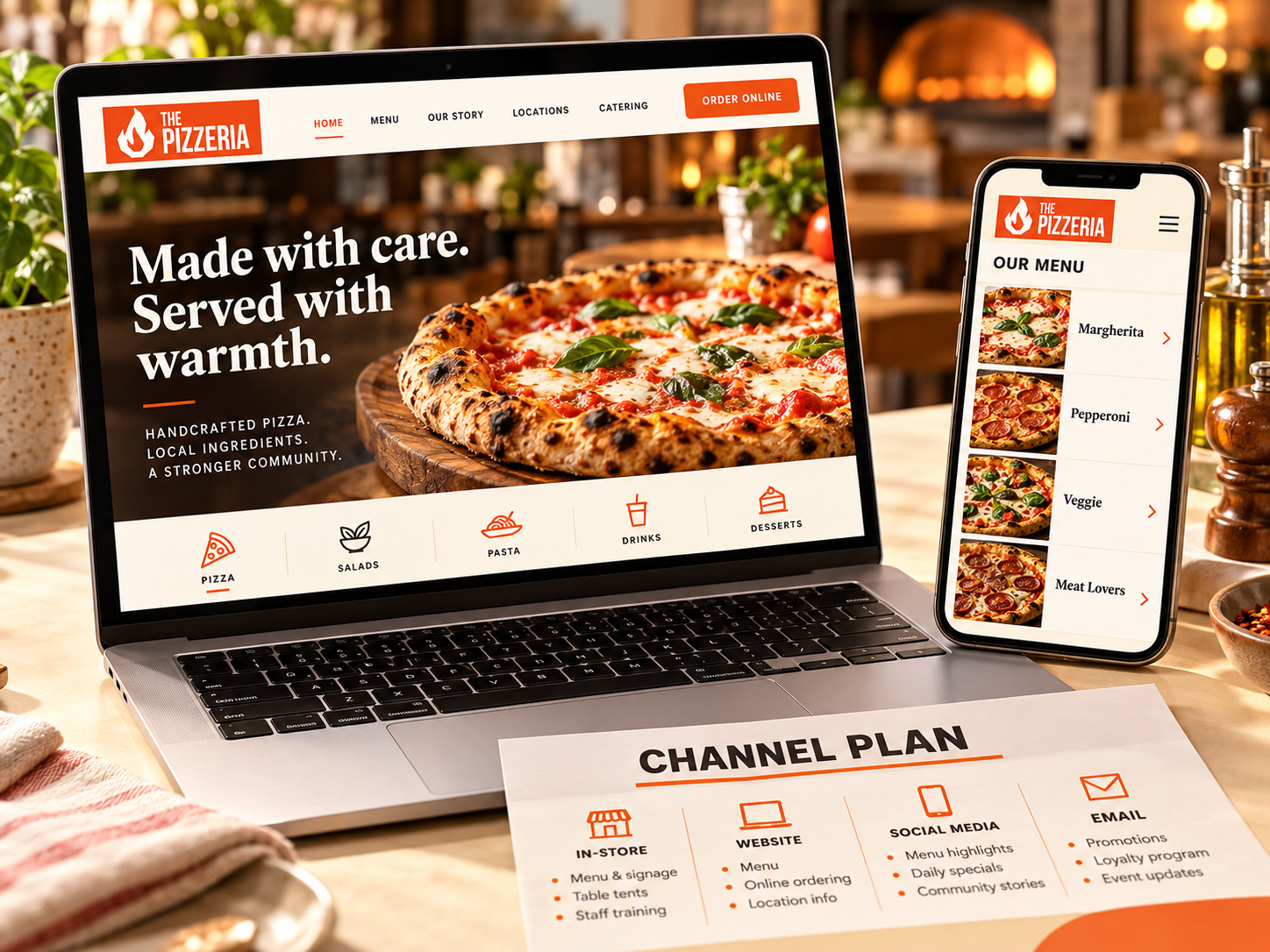
Plan how your physical location, website, ordering channels, and social presence work together.

Customer experience

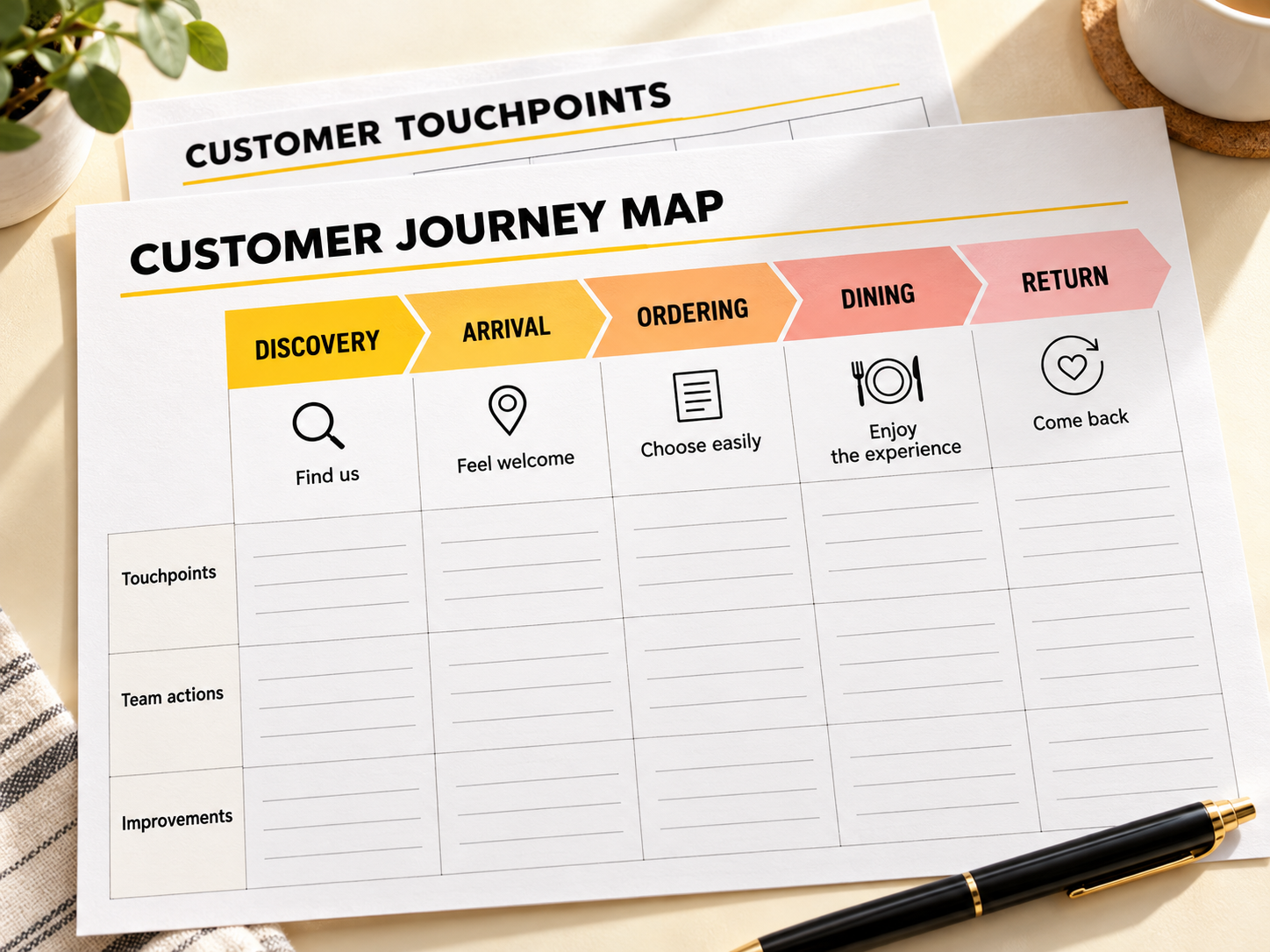
Review the moments that shape how customers discover, experience, and remember your restaurant.

A few things to know.

Can I use this for an existing restaurant?

Yes. Restaurant Launch OS supports both new and existing restaurants. If you’re already operating, use the relevant resources to review menu costs, organize workstations, clarify team responsibilities, and strengthen daily routines. Focus on the areas where your business needs improvement.

What will I need to customize?

Each Launch OS gives you a developed restaurant model, a structured roadmap, and practical resources. Adapt them to your brand, menu, recipes, suppliers, local costs, location, equipment, and team. Review the plans and procedures against your operating needs and local requirements before putting them into practice.

What can I explore for free?

You receive free access to Steps 0, 1 & 2 of Pizzeria Launch OS. Set up your Operations Room, review the business foundations, and explore the model and included resources. No credit card is needed, and you won’t be charged automatically. When you’re ready, choose paid access and continue with Step 3.

Does the guarantee cover both payment options?

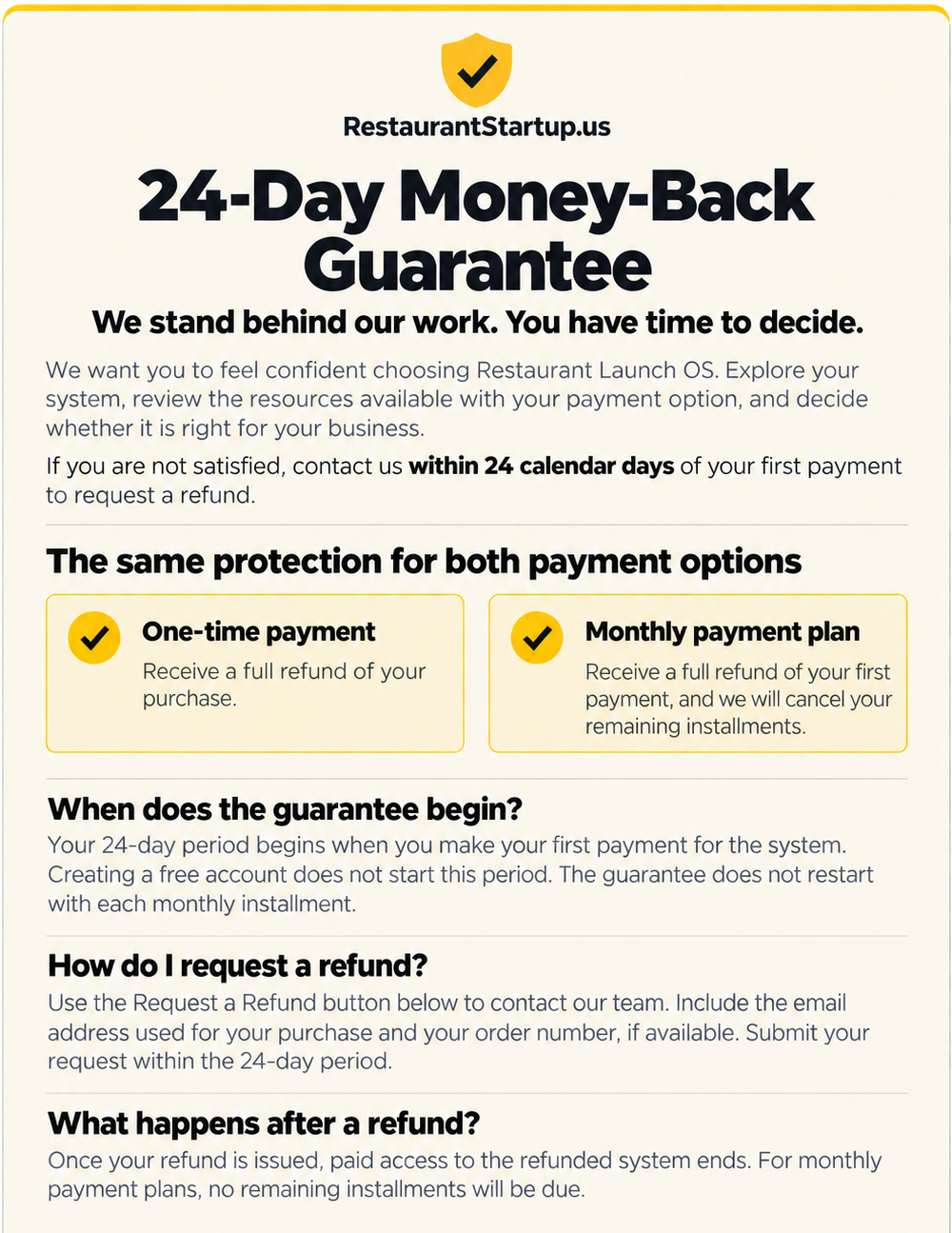
Yes. The same 24-day money-back guarantee applies whether you pay in full or choose monthly installments. If the system isn’t right for you, contact us within 24 days of your initial payment to request a full refund of that payment. For monthly purchases, any remaining installments will also be canceled.

Before your next big decision,
see what's already been built for you.

Explore Steps 0, 1 & 2 of Pizzeria Launch OS for free.
No credit card required.
Created with